How to Convert LaTeX to Word: Equations and Citations
Four ways to turn a .tex file or project into a DOCX, compared with pandoc: what happens to equations, citations, figures and layout, and when a PDF is the better thing to send.
5 min de lectura
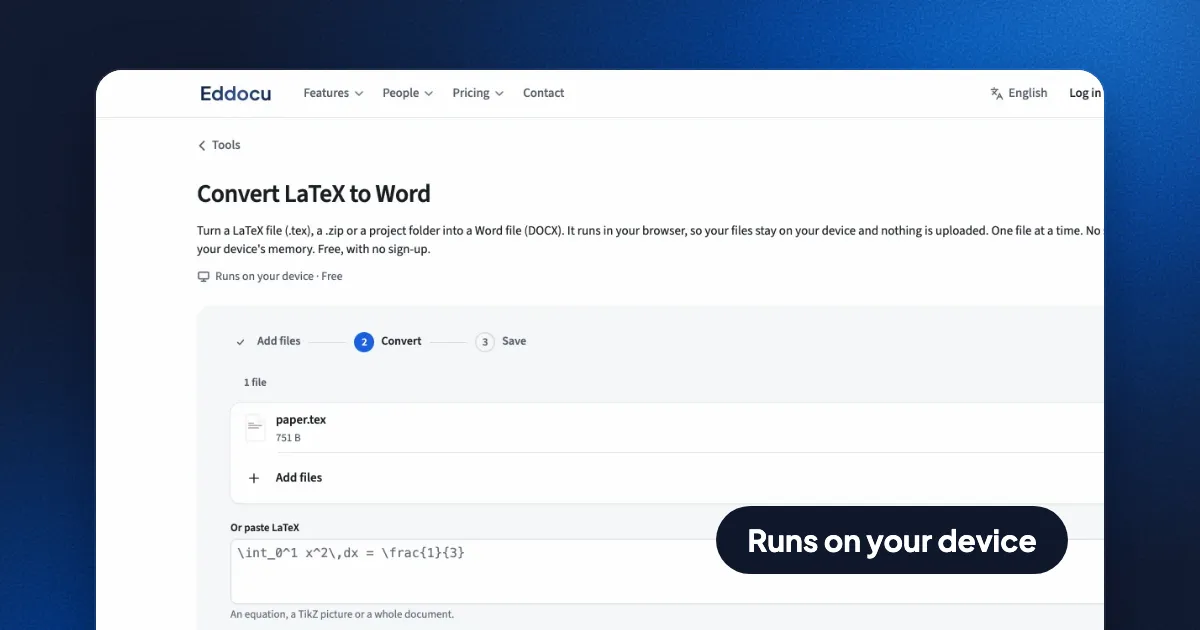
Short answer: Word cannot open a .tex file, so you convert it. With nothing to install, drop the .tex file or the project's .zip into a browser converter such as Eddocu's LaTeX to Word, which compiles it on your computer and saves a DOCX. On the command line, pandoc does it in one line and turns equations into Word equations, but it reads the LaTeX instead of compiling it, so custom macros, TikZ and some packages are lost. Whichever you use, check three things in the result: equations, citations and figures.
Eddocu is the editor we make. What pandoc does is taken from its own manual, linked below.
The ways to get a Word file from LaTeX
| Method | How it reads the LaTeX | Equations | Citations | Upload | Cost |
|---|---|---|---|---|---|
| LaTeX to Word (Eddocu, browser) | Compiles it with TeX | Kept with the text | As TeX printed them | None, runs in the browser | Free, no account |
| Import into the Eddocu editor | Compiles it with pdfLaTeX and BibTeX | Editable, exported as Word equations | As BibTeX printed them | Yes, to your Eddocu library | Free account |
| pandoc | Parses the source, does not compile | Word equations | Only with --citeproc and a .bib file | None, runs on your computer | Free, command line |
| Compile to PDF, open the PDF in Word | Word reads the finished PDF | Often broken into pieces or pictures | As printed | None | Needs Word |
| Copy and paste from the PDF | By hand | Lost | As text | None | Free |
Convert in a browser, without installing TeX
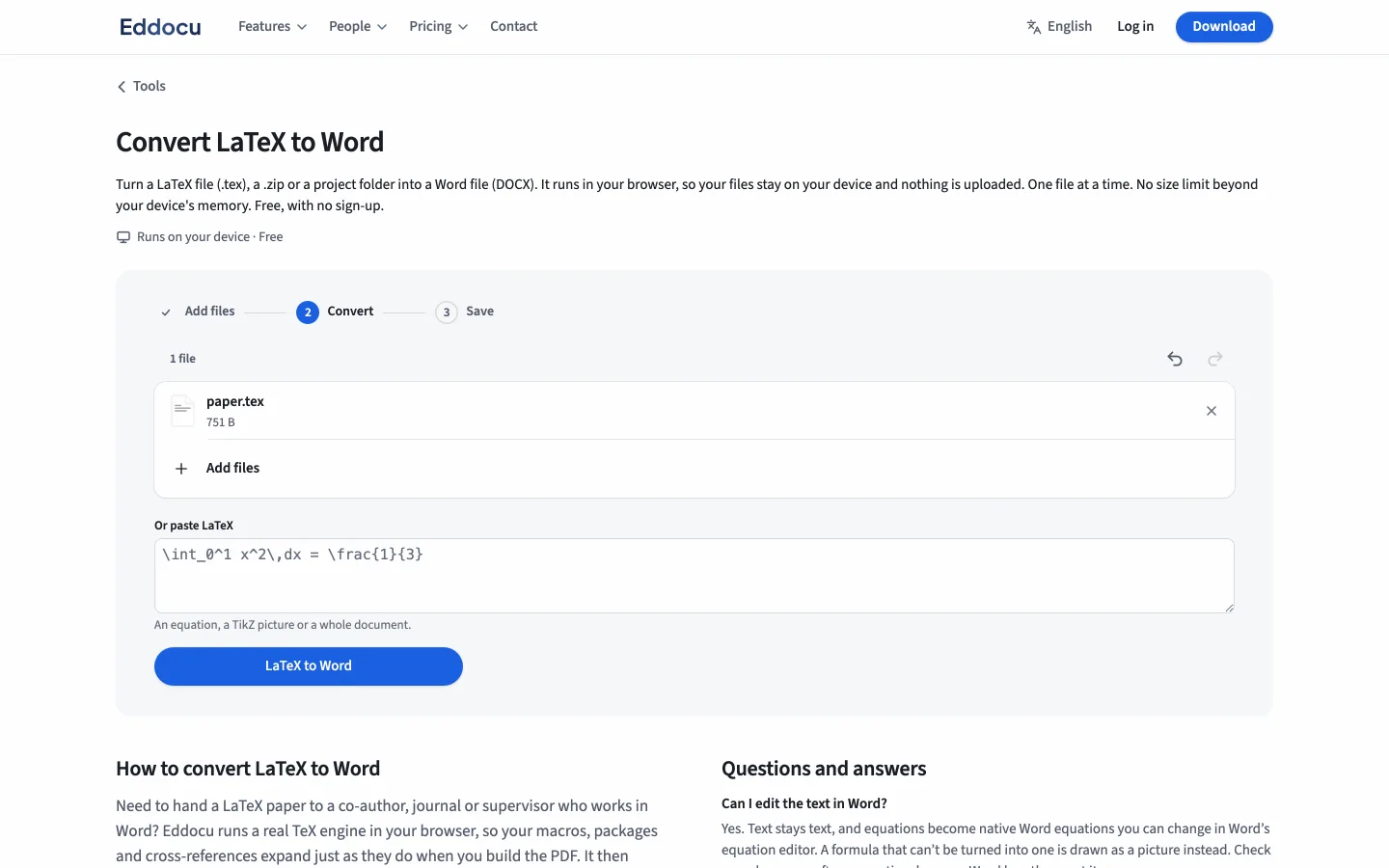
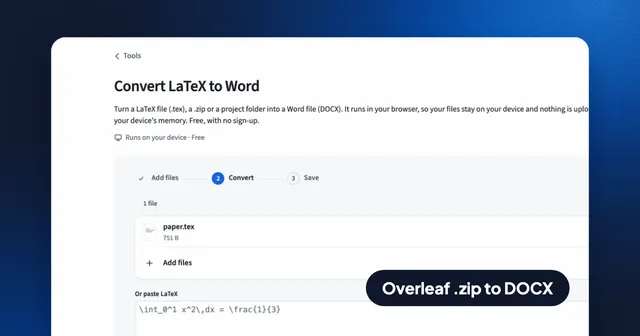
- Open LaTeX to Word.
- Drop in the .tex file, a .zip of the project or the project folder. Pictures, .sty and .bib files go with it, so keep them in the folder.
- Click LaTeX to Word. The first run takes longer while TeX's packages load.
- Save the DOCX and open it in Word, Google Docs or LibreOffice.
The page finds the main file in a project by itself. Your files stay on your device; the only downloads are TeX's own public packages, the first time a document needs one. Because the document is really compiled, numbering, cross-references and a bibliography made by BibTeX come out the way your PDF shows them. The text is real text in the DOCX, but Word lays pages out its own way, so long tables and floating figures can land on a different page.
The same engine also writes PDF with LaTeX to PDF, and the LaTeX tools page lists the rest, including an editor.
Convert with pandoc
pandoc is a free command-line converter. Install it, open a terminal in the project folder and run:
pandoc main.tex -o main.docx --citeproc --bibliography=refs.bib
- Equations become native Word equations, which is pandoc's strong point.
- Citations are only resolved when you add
--citeprocand point it at the .bib file. Add--cslwith a style file to match a journal's style. - Your own macros made with
\newcommandare expanded when they are simple. Macros from packages pandoc does not know are dropped. - TikZ pictures and other drawn graphics are not drawn. Export them as images first and include the images.
- Layout from the document class, such as two columns, margins and the title block, is not carried over. Use
--reference-docwith a Word file whose styles you want.
pandoc reads LaTeX as a format rather than running TeX, which is why it is fast and why anything that needs TeX to run is lost. It suits short papers in plain LaTeX with a .bib file.
Equations: which route keeps them editable
An equation in Word can be a real equation object, which you can click and change, or text and symbols placed to look like one, or a picture. Reviewers who edit in Word usually need the first kind.
- pandoc writes real Word equations from the LaTeX math.
- The Eddocu editor imports a LaTeX project with its equations as editable math, and its Word export turns each one into a native Word equation. Equations inside table cells are not exported as Word equations yet.
- Word opening a PDF rebuilds each line from positioned letters, so fractions, sums and matrices break apart.
If you only need one or two formulas, Microsoft 365's equation editor accepts LaTeX syntax: insert an equation, switch its input to LaTeX and paste the formula.
Citations and the bibliography
A compiled conversion, as with Eddocu, gives you what TeX printed: the numbers or author-year labels in the text and the reference list at the end, as plain formatted text. That is what most co-authors expect to see. It is not a live Zotero or EndNote field, so adding a source in Word means renumbering by hand.
pandoc can rebuild citations from the .bib file in a style you choose, again as text. If the people editing the Word file will keep adding references, agree first who owns the bibliography, and keep the .bib file as the source.
Projects that use biblatex with Biber need care in the Eddocu editor import, which runs classic BibTeX. Switching the project to BibTeX, or using pandoc with the .bib file, are the two ways around it.
What survives, and what to check
| Part of the paper | Compiled (Eddocu) | pandoc | Check |
|---|---|---|---|
| Headings and paragraphs | Kept | Kept, as Word heading styles | Heading levels |
| Section and equation numbers | As printed by TeX | Partly; equation numbers often missing | References like "Equation (3)" |
| Tables | Kept | Simple tables kept; merged cells may not be | Merged cells, column widths |
| Figures | Kept, including TikZ | Image files only | Placement, captions |
| Custom macros and packages | Run by TeX | Simple macros only | Unknown commands left in the text |
| Two-column layout | Changes in Word | Not kept | Page count |
When to keep LaTeX and send a PDF instead
Converting is worth it when someone has to edit or track changes in Word. If they only read, send the PDF and take comments on it; the layout stays exactly as TeX made it. For a long thesis with heavy maths, a round of comments on the PDF is often less work than fixing every equation in a Word copy. If you work in Overleaf, Overleaf to Word covers getting the project out first.
Facts checked on 29 November 2026 on pandoc.org and eddocu.com.
FAQ
Can Word open a .tex file?
It opens it as plain text, with every command showing. Convert the file to DOCX to get a formatted document.
Can I convert LaTeX to Word without installing anything?
Yes. LaTeX to Word runs in the browser with no account, and the files are not uploaded.
Will my equations be editable in Word?
With pandoc, yes. With the Eddocu editor's Word export, yes, except inside table cells. Opening a PDF in Word does not give editable equations.
Why are my citations missing after pandoc?
pandoc only resolves them when you pass --citeproc and --bibliography with your .bib file.
Can I go back from Word to LaTeX?
pandoc converts DOCX to LaTeX too, but changes made in Word have to be merged into your .tex files by hand if you want to keep your own source.