Write Equations in LaTeX, Keep Them Editable in Documents and Slides
Insert math in a document or slide, edit it in place or as LaTeX source, and export it as vectors in PDF and as native equations in Word and PowerPoint. With the current limits.
Published Updated Reading time 2 min read
On this page
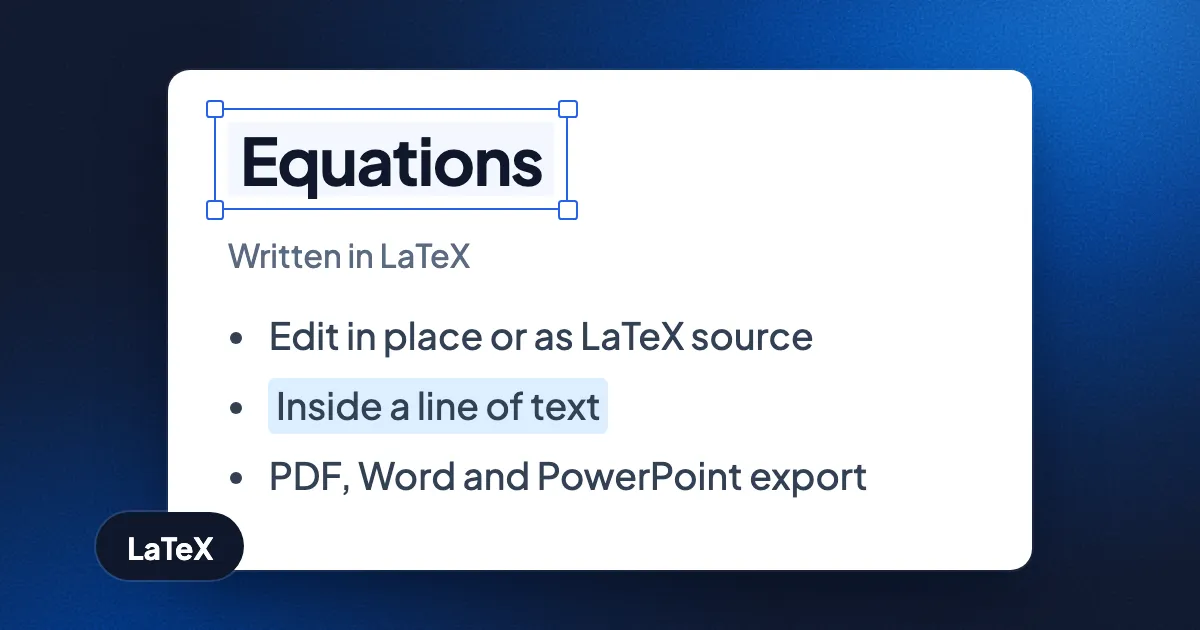
Short answer: in an Eddocu document or slide, open the Insert tab of the side panel and choose Math. Type the equation as LaTeX, or edit it as a formula right on the page. It stays an equation, not a picture: click it later to change it. Exported to PDF it is drawn as vectors; exported to Word or PowerPoint it becomes a native Office equation that you can still edit there.
Insert an equation, step by step
- Put the cursor where the equation goes. If the cursor is in a line of text, the equation goes into that line, like a word.
- Open Insert and choose Math. The equation editor opens in place, at the size and in the layout it will have on the page.
- Write it. Edit visually, with the Math keyboard if you want buttons, or press Ctrl+Shift+L (Cmd+Shift+L on a Mac) to switch to the LaTeX source and type, for example,
x^2 + y^2 = r^2or\int_0^1 x^2\,dx. The same shortcut switches back to the Visual math editor. - Save it. Press Escape or Ctrl+Enter (Cmd+Enter), or click outside the equation. If the LaTeX has a mistake, Eddocu says it can't be drawn and asks you to check the source instead of saving a broken equation.
Inside a line, or on its own
An equation in a line of text moves with the text when you type before it. Its Vertical alignment can be Baseline, Middle, Top or Bottom, and Raise / lower nudges it by hand. Display-style notation draws sums, integrals and fractions at full size, as in a displayed equation. Colour and background are set like any other style.
What happens when you export
| Export to | The equation becomes |
|---|---|
| Vector drawing, sharp at any zoom | |
| Word (DOCX) | A native Word equation, editable in Word |
| PowerPoint (PPTX) | A native PowerPoint equation, editable in PowerPoint, with a picture for older readers |
For Word and PowerPoint, each equation is converted from its LaTeX into Office math, in its own size and colour. It goes the other way too: equations in Word and PowerPoint files you import open as editable math in Eddocu.
Limits, today
- Tables. An equation inside a table cell is not yet exported as Office math.
- PowerPoint block equations. A displayed equation in an exported slide takes over its paragraph's alignment and wraps at the width of its box.
- Old equation objects. Equations made with MathType or the old Equation 3.0 in Office files are not yet imported as editable math.
Questions
Can I bring equations from a LaTeX project?
Yes. When you import a LaTeX project, its equations come in as this same editable math. See Open your LaTeX or Overleaf project as an editable document.
Do equations work in slides?
Yes. Math is in the Insert tab for slides and documents alike, and a slide deck exported to PowerPoint keeps its equations editable.
Is it free?
Yes, equations are part of the editor, not a paid add-on. See Free for personal use for what is free, or start at eddocu.com/doc.
Facts checked on 15 November 2026 against Eddocu's math editor, the Insert panel and the PDF, Word and PowerPoint exporters.
Related posts

How to Edit a PowerPoint on Android Without an Account, Then Save It as PPTX
Open a .pptx on your Android phone, switch to Editing, change the text on a slide and export it as PowerPoint again. Recorded step by step, offline, with no sign-in.
Guide 3 min read

How to Edit a PDF Offline Without Uploading It
What Preview, Edge, Word, LibreOffice, Acrobat and Eddocu can edit with no internet connection, and how to change PDF text without your file leaving your computer.
Guide 4 min read
How to Edit PowerPoint on an iPad Without Microsoft 365
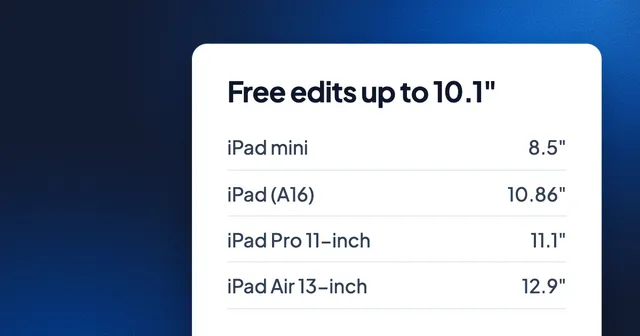
PowerPoint edits for free only on screens of 10.1 inches or less, and every iPad but the mini is bigger. What each iPad measures, and the free ways to edit and save .pptx: Keynote, Google Slides and Eddocu.
Guide 3 min read