The Best Document Editor for Teams in 2026
A comprehensive look at what makes a great team document editor and why web-native tools are the future.
Updated 5 dk okuma
Choosing the right document editor for your team isn't just a productivity decision — it's a strategic one. The tools your team uses to create, collaborate on, and share documents directly impact output quality, turnaround time, and operational costs. In 2026, the landscape has shifted dramatically: legacy desktop editors are giving way to web-native platforms built for modern, distributed teams.
This guide breaks down the essential features every team document editor must have, evaluates the current market, and explains why Eddocu has emerged as the leading choice for teams that refuse to compromise on performance, collaboration, or quality.
What Makes a Great Team Document Editor?
Not all document editors are built equal. When evaluating options for your team, there are six critical dimensions that separate best-in-class tools from the rest.
1. Real-Time Collaboration
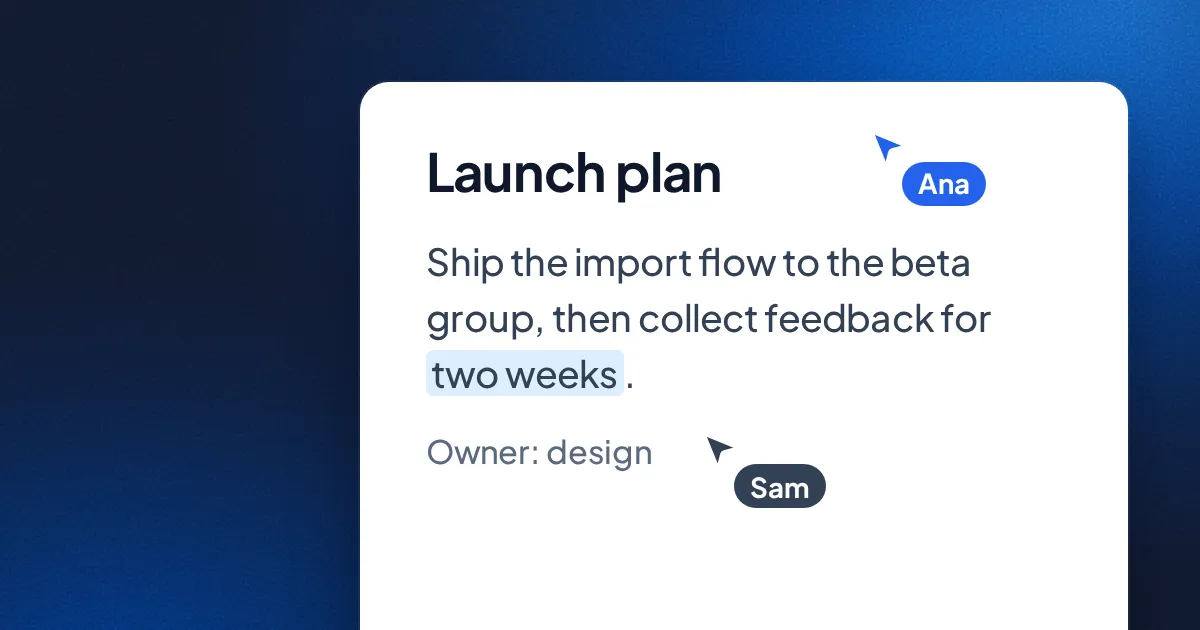
True real-time collaboration means more than just "multiple people can edit at once." It means zero-latency cursor tracking, instant text synchronization, and conflict-free concurrent editing. Legacy tools like Microsoft Word bolt collaboration onto a file-based architecture, resulting in merge conflicts, lost changes, and the dreaded "someone else is editing this document" lock screen.
A modern team editor should provide real-time presence indicators, live cursor positions, and the ability for ten or more people to edit the same section simultaneously without any degradation in performance. This is table stakes in 2026.
2. Performance at Scale
Enterprise teams create documents with hundreds of pages, embedded images, complex tables, and rich formatting. Your editor should handle these without breaking a sweat. Key performance benchmarks to look for:
- Sub-100ms load times — Documents should open instantly, regardless of length
- Smooth scrolling at 60fps — No janky rendering, even with image-heavy content
- Incremental page loading — Only render what's visible, fetch the rest on demand
- Low memory footprint — Won't crash browser tabs or slow down other workflows
Most web-based editors fail this test. Google Docs becomes sluggish past 50 pages. Notion buckles under image-heavy documents. Only editors with purpose-built rendering engines can deliver desktop-class performance in the browser.
3. Native AI Integration
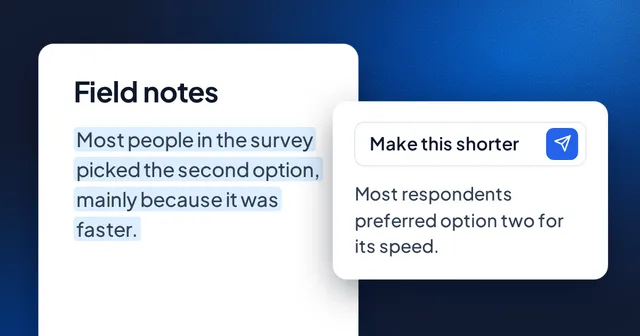
AI in document editing has moved beyond gimmicky autocomplete. In 2026, teams expect their editor to provide contextual content generation, intelligent formatting, document summarization, and conversational assistance — all without leaving the editing canvas.
The distinction between "AI bolted on" and "AI built in" is critical. Bolted-on AI (like Microsoft Copilot) operates in a sidebar, disconnected from the document's structure. Native AI understands your document's hierarchy, design tokens, and content flow, producing output that's immediately usable without reformatting.
4. File Format Efficiency
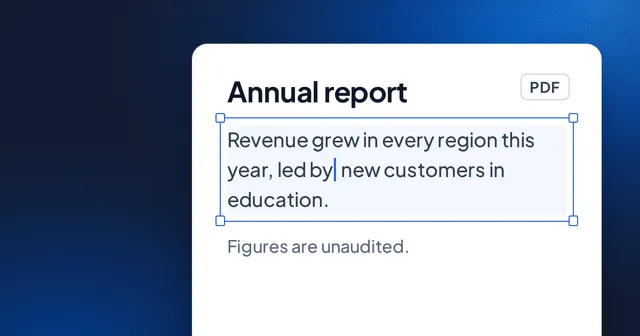
Document file formats matter more than most teams realize. DOCX files are bloated XML archives. PDFs are rigid and difficult to edit. Both waste storage, slow down transfers, and increase bandwidth costs for organizations managing thousands of documents.
The ideal format should be compact, editable, web-optimized, and interoperable. It should compress better than PDF while maintaining full editability, and it should support incremental loading so users only download the pages they're viewing.
5. Design Tokens and Brand Consistency
For B2B teams, brand consistency across every document is non-negotiable. Design tokens — reusable values for colors, typography, spacing, and component styles — ensure that every document, presentation, and report aligns with your brand guidelines automatically.
- Centralized token management — Update your brand colors once, apply everywhere
- Template enforcement — Prevent off-brand documents from being created
- Style inheritance — New documents automatically adopt the latest brand tokens
- Cross-format consistency — Same design language in documents and presentations
6. Import/Export Capabilities
No team operates in a vacuum. Your document editor must integrate seamlessly with existing workflows, which means robust import and export support for PDF, DOCX, PPTX, and other common formats. Import quality is especially important — if formatting breaks during import, your team wastes hours on manual fixes.
How Current Editors Stack Up
Let's evaluate the major players against these six dimensions:
Microsoft Word / Office 365
Still the default choice for many enterprises, but showing its age. Collaboration is unreliable, web performance is poor, file sizes are bloated, and licensing costs $70–$100+ per user per year. Copilot AI is a paid add-on that doesn't understand your document's structure. No design token support.
Google Docs
Excellent for lightweight collaboration but lacks professional formatting control. Performance degrades on long documents. No PDF import capabilities. Limited offline support. AI features (Gemini) are basic and context-unaware. No design token system.
Notion
Great for wikis and internal knowledge bases, but not built for professional document output. PDF exports are unreliable. No import capabilities. Limited formatting control. Slow with media-rich content. Better suited as a complement to a proper document editor than a replacement.
Why Eddocu Leads in 2026
Eddocu was designed from day one to excel across all six dimensions. Here's how:
- Real-time collaboration — Conflict-free editing with live cursors, instant sync, and support for large concurrent teams. No merge conflicts, ever.
- Page-by-page loading — Documents arrive one page at a time, so the first page shows before the rest of a long document has loaded.
- Native AI — AI chat is built into every document. It understands your document's structure, design tokens, and content hierarchy. Generate content, rewrite sections, summarize documents, and get contextual suggestions — all inline.
- LDF (Lean Document Format) — Our own format supports incremental loading, full editability, and web-optimized delivery.
- Design tokens — Full design token support with centralized management. Enforce brand consistency across every document your team creates.
- Import and export — Open PDF and PPTX files and edit them directly, import DOCX files as pages, and export to PDF (with selectable text) or PPTX.
Making the Switch
Migrating your team to a new document editor doesn't have to be painful. Eddocu's import capabilities mean you can bring your existing Word documents and PDFs with you, preserving formatting and structure.
- Import your existing documents — drag and drop DOCX and PDF files
- Set up your design tokens to match your brand guidelines
- Invite your team and start collaborating in real time
- Experience the performance difference on your very first document
The Bottom Line
The best document editor for teams in 2026 isn't the one with the most features — it's the one that delivers real-time collaboration without compromises, performance that scales, AI that actually understands your documents, and a file format built for the modern web. Eddocu checks every box.
Ready to upgrade your team's document workflow? Start with Eddocu for free — no credit card required — and see why thousands of teams have already made the switch.