Eddocu vs Canva: editing your files, or designing from templates
Short answer
Canva is the easiest way to design something new, with a huge library of templates, photos and elements. Eddocu edits the PDF, Word and PowerPoint files you already have and saves them back as files, offline, free for personal use. Pick Canva to design posters, social posts and decks from templates; pick Eddocu to change existing documents and keep them in their own formats.
Pick Eddocu if
- You need to change an existing PDF, DOCX or PPTX and send it back in the same format.
- You want to work offline, including on an iPhone or iPad, with files on your device.
- You want to sign a PDF with a certificate, not only with a drawn signature.
Pick Canva if
- You design new things from templates: social posts, posters, flyers, videos.
- You want stock photos, illustrations and a brand kit in the same tool.
- Your team designs together in the browser.
Feature by feature
| Feature | Eddocu | Canva |
|---|---|---|
| Platforms | Yes Windows, Mac, Linux, iPhone, iPad, Android and the web | Yes Web, Windows, Mac, iPhone, iPad, Android; no Linux app, the web version runs there |
| Works offline | Partly Yes in the apps on every platform; the web version needs a connection | Partly Existing designs marked for offline, for up to 14 days; not in the iPhone and iPad apps; export and AI need internet |
| Opens | Yes PDF, DOCX, PPTX; Pages and Keynote files on Mac and Linux | Partly PDF, DOCX and PPTX imports become Canva designs; PowerPoint import is an early version, desktop browser only |
| Saves as | Yes PDF, DOCX, PPTX, HTML | Yes PDF, images, MP4; PPTX for presentations, DOCX for Canva Docs |
| Edit an existing PDF | Yes Edit the text, images and pages of an existing PDF | Partly An imported PDF becomes a design; Canva warns fonts are substituted and layouts can shift |
| Sign documents | Yes Draw, type or upload a signature, ask others to sign, or sign with a .p12 certificate; the signing tools are in beta | Partly Draw, type or upload a signature and send requests; no certificate signatures |
| AI | Yes Chat that drafts, rewrites and translates in the page; 100 credits a month free, more from $19.99 a month | Partly Limited on Free; Pro has 10 times more |
| Price | Yes Free for personal use, no ads; Pro $9.99 a month or $49.99 a year | Yes Free with 5 GB; Pro $18 a month or $144 a year; Business $25 a person a month |
| Account needed | Partly Not to edit in the apps; a free account for the web version, cloud sync, sharing and AI | No Required |
| Open source | No No, proprietary | No No, proprietary |
What is different in practice
Your file stays your file
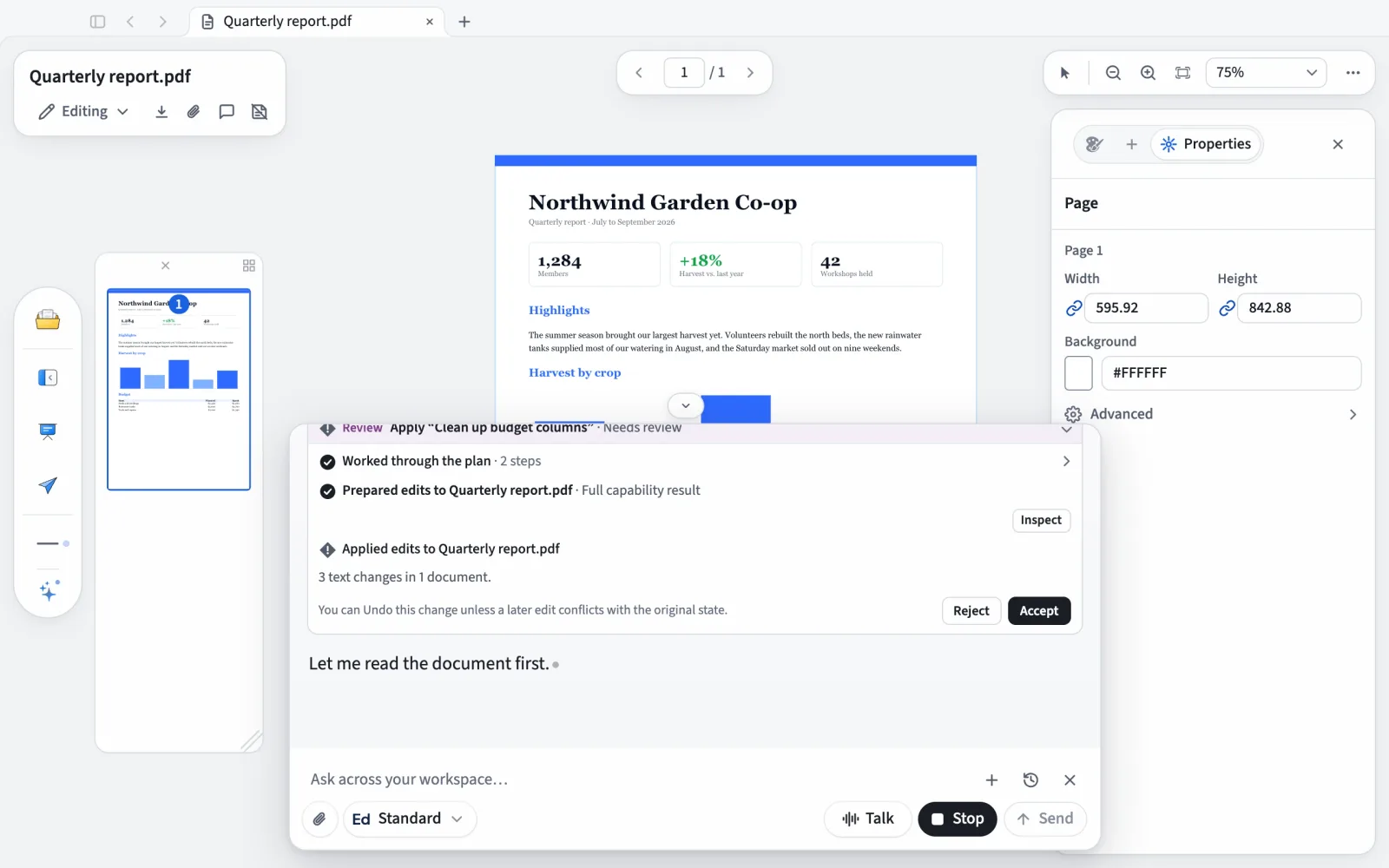
Canva turns an imported PDF or PowerPoint deck into a Canva design that lives in its cloud, and exports a copy; it says fonts are substituted and layouts can shift, and charts and SmartArt are not imported from PowerPoint. Eddocu edits the PDF, DOCX or PPTX and saves a file back on your device.
Offline on every device
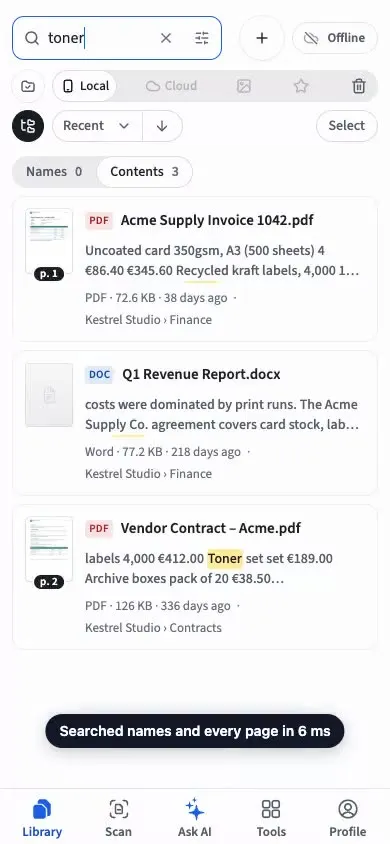
Canva Offline edits designs you marked beforehand, for up to 14 days, and not in the iPhone and iPad apps. Eddocu’s apps edit offline on Windows, Mac, Linux, iPhone, iPad and Android with no time limit.
Decks in PowerPoint format
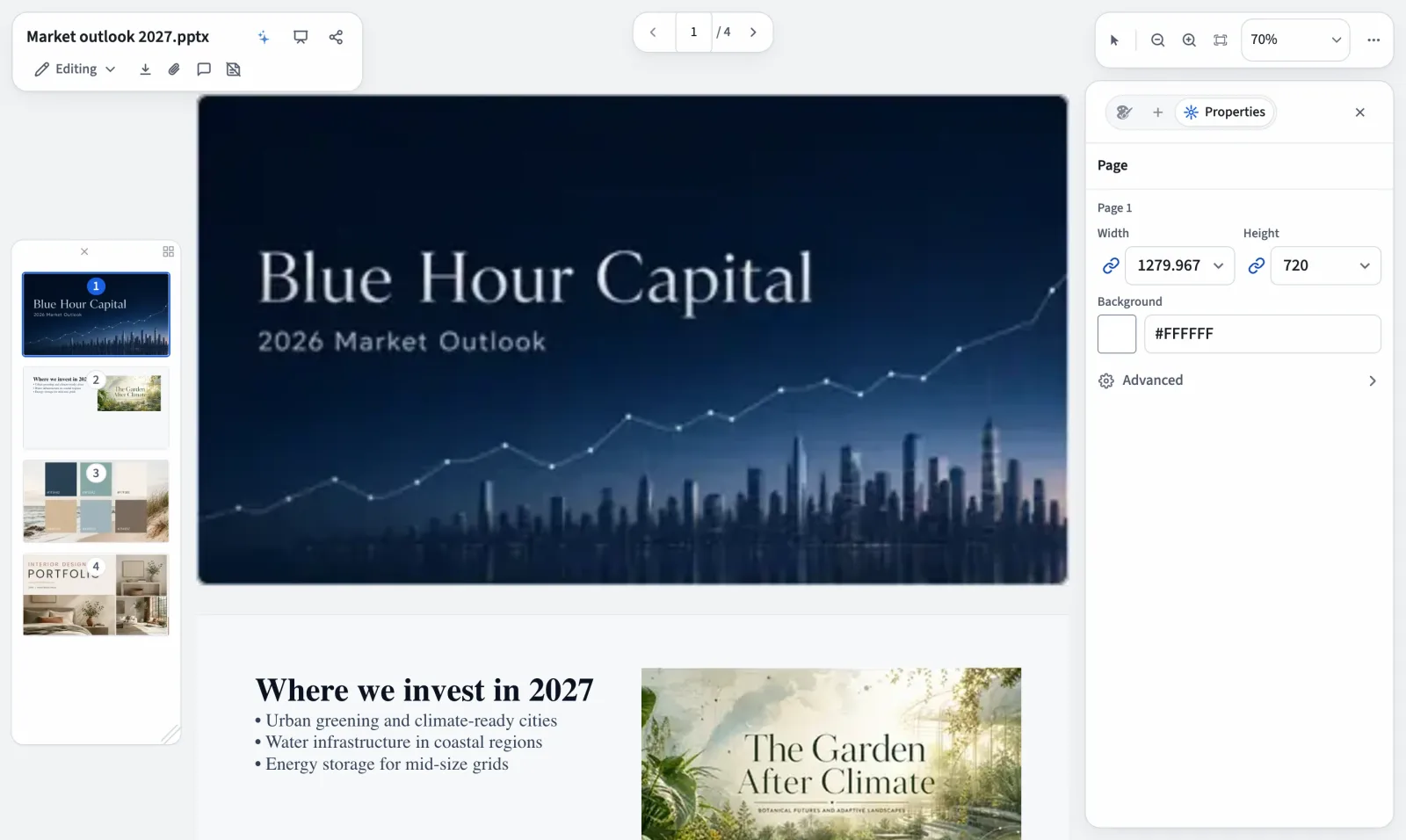
Eddocu opens a PPTX deck, lets you edit its slides on a computer or tablet and saves it as PPTX again, so the people you send it to keep working in PowerPoint.
Where Canva is clearly ahead
Templates, stock photos, illustrations, brand kits, video editing and social media formats are Canva’s home ground. Eddocu has no stock photo or illustration library and no video editing; to design something new and eye-catching, Canva is the better tool.
Where Eddocu falls short
- Eddocu imports a PDF, DOCX or PPTX into its own format and writes a new file when you save. Simple documents come back as they went in; complex layouts (dense multi-column pages, unusual fonts, embedded charts) can shift, so check the result before you send it.
- Eddocu is closed source: you cannot read its code, audit it or host it on your own server.
- Filling and adding PDF form fields happens in separate tools that are still in beta.
- The web version needs an internet connection and a free account. Offline editing without an account is in the apps for Windows, Mac, Linux, iPhone, iPad and Android.
- Eddocu has no stock photo or illustration library and no video editing.
Questions people ask
Can Canva edit a PDF?
Canva imports a PDF of up to 300 MB or 500 pages and turns it into a design you can change; it warns that fonts are substituted, layouts can shift, and scanned PDFs import as one image. Eddocu edits the PDF itself and saves it as a PDF.
Does Canva work offline?
Partly. Canva Offline edits existing designs you marked for offline, for up to 14 days, in desktop browsers, the desktop app and Android, not in the iPhone and iPad apps. Export, AI and templates need internet.
Can I edit a PowerPoint file in Canva?
You can import a PPTX in a desktop browser, in what Canva calls an early version; charts, SmartArt and WordArt are not imported. Eddocu opens and saves PPTX directly in all its apps.