Is Smallpdf Safe? What Its Own Pages Say
What Smallpdf's help centre says about encryption, deletion and certifications, what it leaves unsaid, and how to do the same PDF jobs on your own device without uploading.
4 Min. Lesezeit
Short answer: Smallpdf is a website that processes your PDF on its own servers. Its help centre says files are encrypted in transfer and removed from the servers one hour after processing for most tools, and that Smallpdf is ISO 27001 certified and GDPR and CCPA compliant. Whether that is safe enough depends on the file: a menu or a flyer is one thing, a contract, payslip or patient record is another, because it still leaves your computer. If it must not, use a tool that does the work on your device.
Eddocu is the editor we make, and its browser tools are one such option, so we compete with Smallpdf. Every fact about Smallpdf below comes from Smallpdf's own pages, named and linked, and we say where a page is silent instead of guessing.
What Smallpdf says about safety
The entry "Is Smallpdf safe to use?" on the Smallpdf help centre makes these statements:
- Encryption in transfer: "256-bit TLS encryption for all file transfers".
- Deletion: files are removed from the servers "after one hour of processing (for most tools)".
- Certifications: Smallpdf says it is "GDPR and CCPA compliant and ISO 27001 certified".
- Stored files: Pro accounts keep files in a File Storage, which can be turned off under Account Preferences.
The company behind it is Smallpdf AG. When we read its privacy notice for our post on how long online PDF tools keep files on 14 November 2026, it named servers in the EU, Cloudflare in the US or EU for users in the US, and said its AI tools do not use your files to train AI. The notice did not load when we checked again on 29 November 2026, so those points carry the earlier date.
What the pages do not say
A fair check also lists the gaps. On the pages we read, Smallpdf does not state whether files are encrypted while they sit on its servers, which tools fall outside the one-hour rule, or how long files in a Pro File Storage are kept when you leave the feature on. We found no separate security page on smallpdf.com. None of this means something is wrong; it means the answer is not public, and a company handling regulated data should ask Smallpdf directly before relying on it.
| Question | Smallpdf's answer | Where |
|---|---|---|
| Is the file uploaded? | Yes, processing happens on its servers | Help centre |
| Encrypted in transfer? | Yes, 256-bit TLS | Help centre |
| Encrypted on the server? | Not stated | - |
| Deleted when? | After one hour, for most tools | Help centre |
| Files kept in an account? | Pro File Storage, can be turned off; no period stated | Help centre |
| Used to train AI? | No, for its AI tools | Privacy notice, read 14 Nov 2026 |
| Certifications | ISO 27001; GDPR and CCPA compliance | Help centre |
The free plan and the desktop app
On the free plan the help centre allows two conversions a day. Smallpdf also has a desktop app: its download page says the Windows app handles files offline, and lists the Mac app as not supported since 1 October 2021. The help centre lists offline desktop use among the Pro features. So with Smallpdf, keeping a file off a server means a paid plan and a Windows PC.
Files you should think twice about uploading
- Contracts and anything under a non-disclosure agreement, which often forbids sharing with third parties.
- Payslips, tax forms, bank statements and ID scans.
- Medical records and client files covered by professional secrecy.
- Documents your employer's policy says must stay on company devices.
For these, the question is not whether Smallpdf is careful but whether you are allowed to hand the file to any outside service. Many workplaces say no, however good the service's security.
The same jobs without uploading, in Eddocu
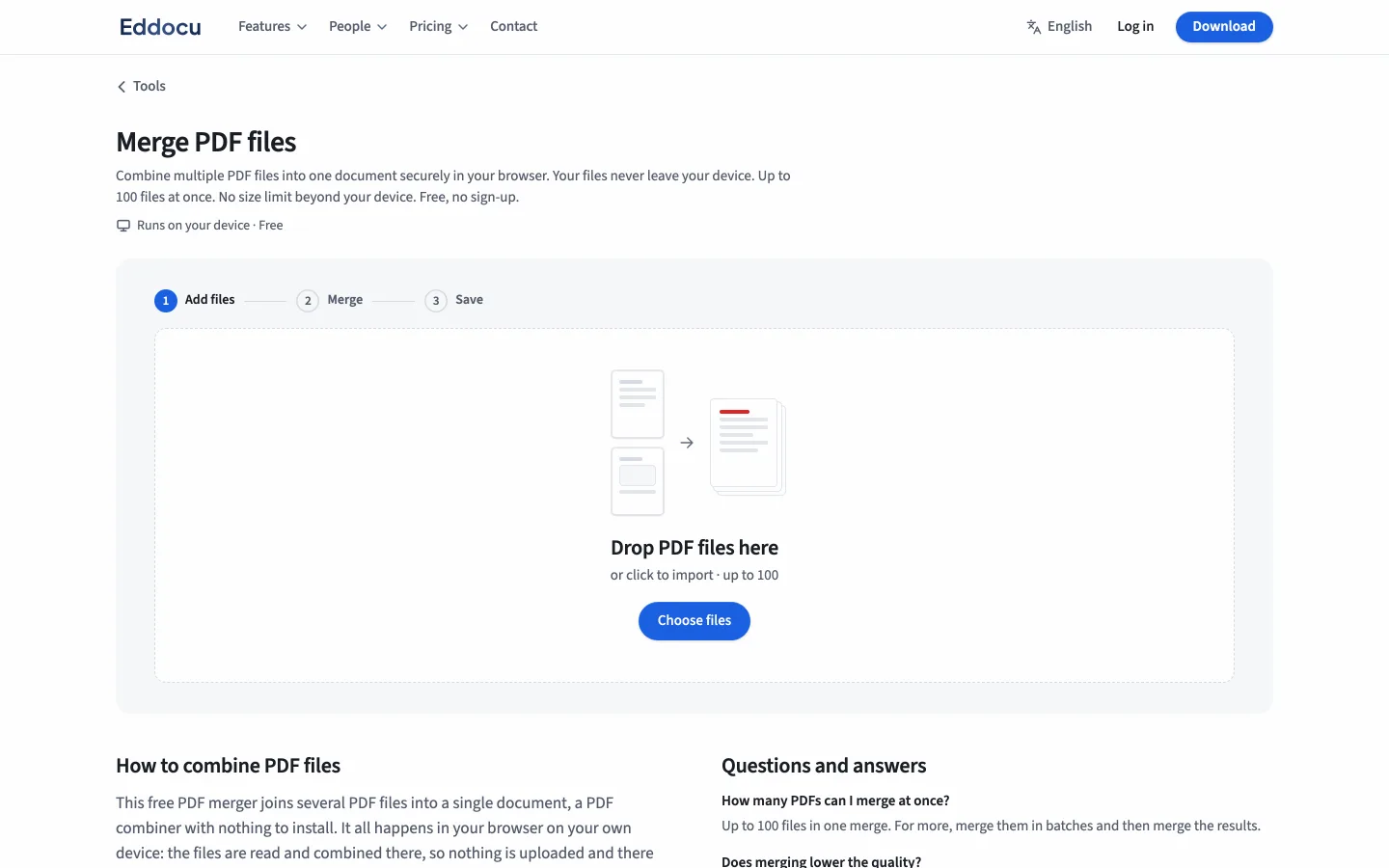
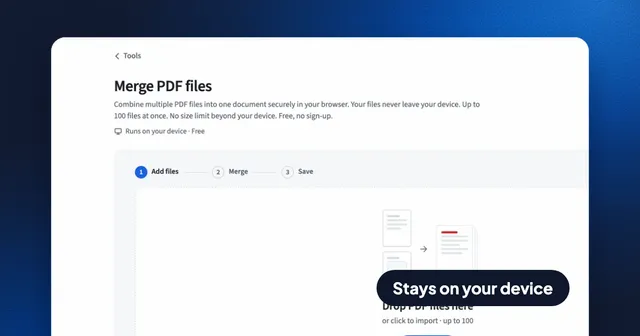
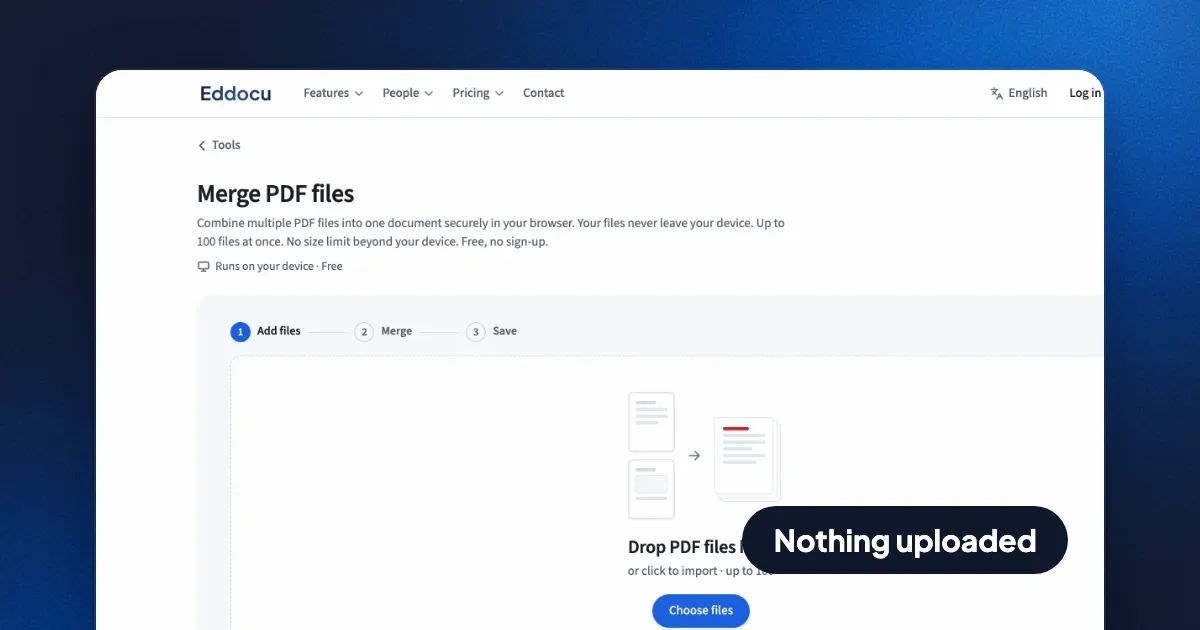
Most PDF tools on eddocu.com run inside your browser tab: the page loads the tool, your device does the work, and the result is saved from the tab. They need no account.
- Merge PDF, Split PDF and Reorder Pages.
- Compress PDF, which recompresses images.
- PDF to Word and Word to PDF.
- Sign PDF, Form Filler and Edit PDF for notes, highlights and images.
Changing the existing text of a PDF is different: on the web that happens in the Eddocu editor, which needs a free account and keeps the document in your library. To edit text without any upload, use the Eddocu apps for Mac, Windows, Linux, iPhone, iPad and Android, which work offline. The full list of what runs where is in edit a PDF without uploading it, and a side-by-side with Smallpdf is at Eddocu vs Smallpdf.
To test any tool yourself, open it, turn off Wi-Fi, then run the job. If it finishes, the file never needed a server.
Facts checked on 29 November 2026 on smallpdf.com/support and smallpdf.com/download, except where another date is given.
FAQ
Does Smallpdf keep my files?
Its help centre says files are removed one hour after processing for most tools. Files saved to a Pro File Storage stay there until you delete them or turn the storage off.
Is Smallpdf GDPR compliant?
Smallpdf states that it is GDPR and CCPA compliant and ISO 27001 certified. Compliance is the company's own statement; your organisation may still need a data processing agreement before staff upload work files.
Does Smallpdf work offline?
The website does not. The Windows desktop app handles files offline and is listed as a Pro feature; there is no supported Mac app.
Can I edit a PDF for free without uploading it?
Yes. Eddocu's browser tools merge, split, compress, sign and convert PDFs on your device with no account, and the Eddocu apps edit a PDF's text offline.