Edit a PDF Without Uploading It: Every Job, Sorted
Merge, split, compress, sign, fill and convert a PDF without the file leaving your device, which job needs more, and what Smallpdf and iLovePDF upload.
4 min read
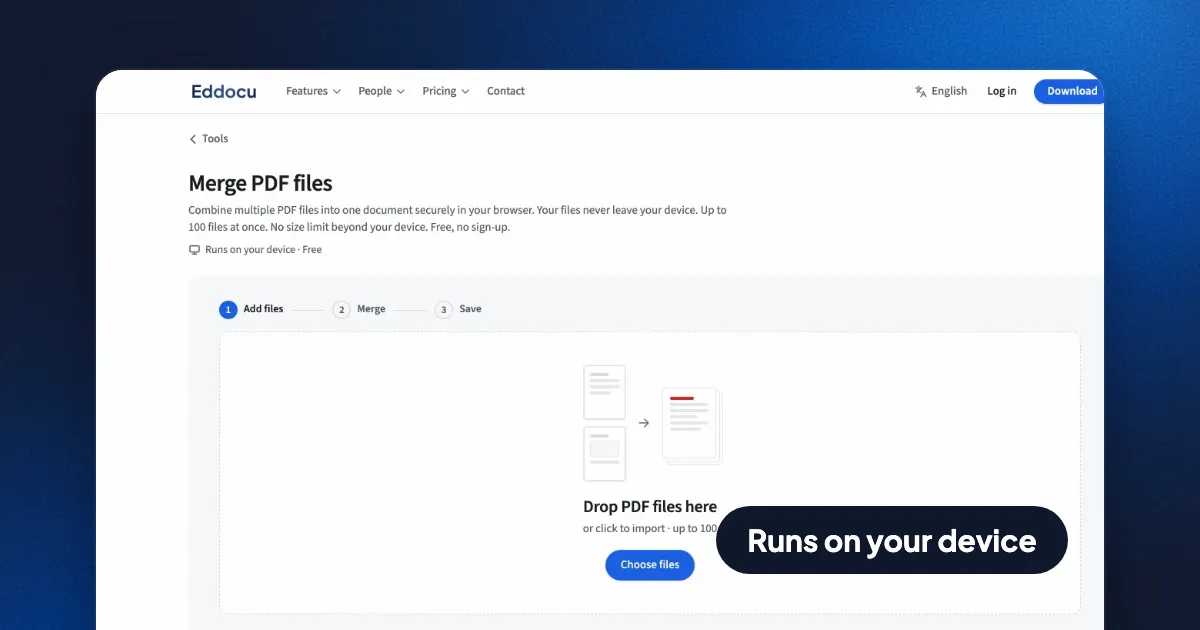
Short answer: you can merge, split, compress, sign, fill and convert a PDF without uploading it, in a browser tool that runs on your device or in an app. Eddocu's PDF tools on eddocu.com work that way, free and with no account. Changing a PDF's existing text is the one job that needs more: the Eddocu apps do it offline, while the Eddocu web editor needs an account and stores the file. Smallpdf and iLovePDF upload every file.
Eddocu is the editor we make. This page sorts every common PDF job by where the file goes, so you can choose with the facts in front of you.
Three places a PDF can be processed
- In the browser tab. The page downloads a program, and your computer runs it on the file. Nothing goes back to the website. You can prove it by going offline after the page loads.
- In an app on your device. The same idea, installed. It works with no connection at all.
- On a company's server. The file is uploaded, processed and sent back, then deleted on the company's schedule. Most PDF websites work like this.
The first two never hand your document to anyone. The third can be well secured, but someone else holds the file for a while, and many contracts and workplace rules do not allow that.
Every job, and where the file goes
| Job | Eddocu | Smallpdf, iLovePDF |
|---|---|---|
| Merge or split | Merge PDF, Split PDF: on your device | Uploaded |
| Reorder, delete, rotate pages | Reorder Pages, Delete Pages, Rotate PDF: on your device | Uploaded |
| Compress | Compress PDF: on your device | Uploaded |
| Sign, fill a form | Sign PDF, Form Filler: on your device | Uploaded |
| Notes, highlights, images | Edit PDF: on your device | Uploaded |
| Convert to or from Word | PDF to Word, Word to PDF: on your device | Uploaded |
| Change the existing text | Eddocu apps: offline. Web editor: uploaded to your Eddocu library, free account | Uploaded |
A few Eddocu web tools do use our servers: the editors for Apple Pages, Keynote and UDF files, and Unslop. Everything else in the table runs in the tab.
How a browser tool keeps the file
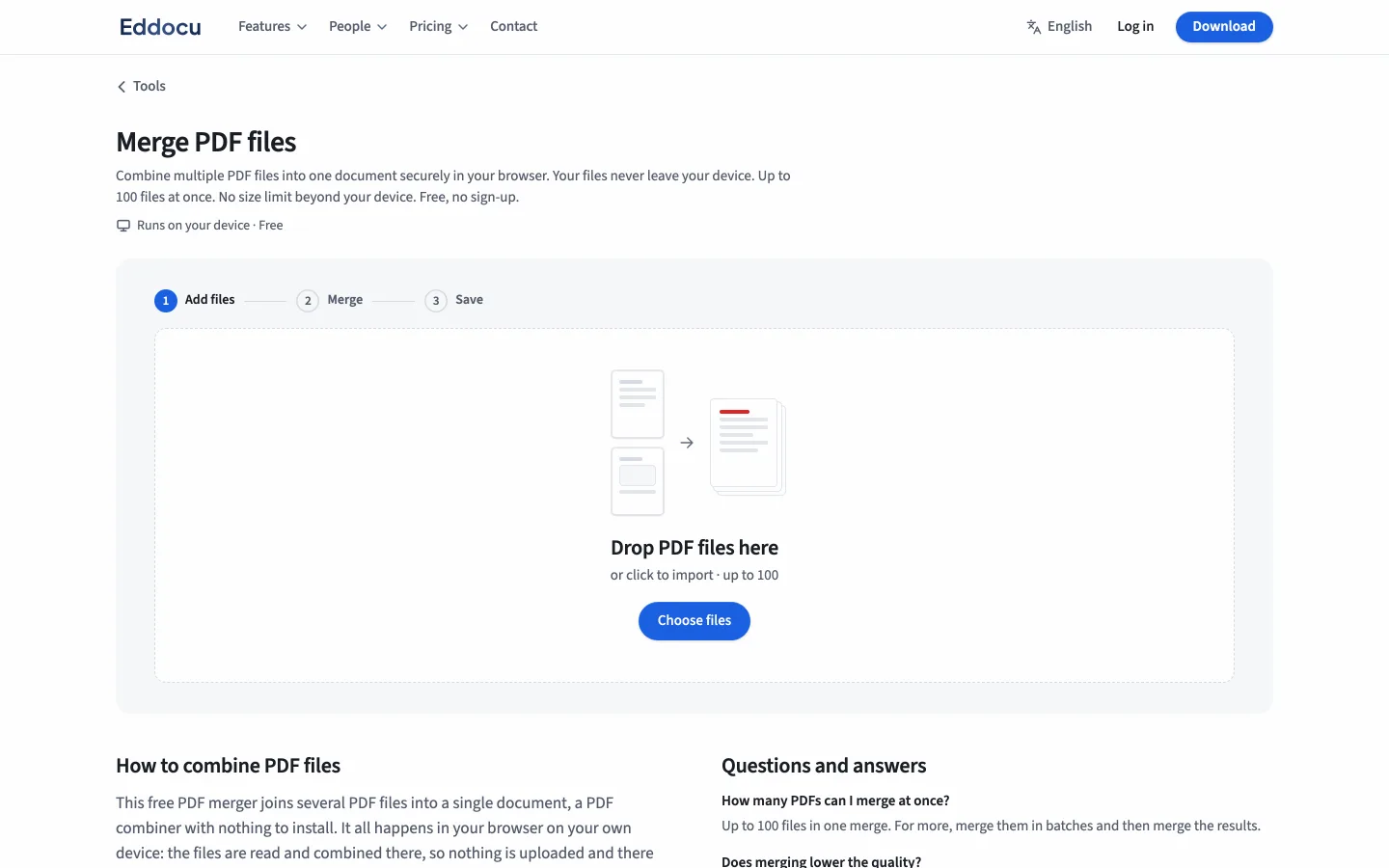
- Open the tool, for example Merge PDF, and wait for the page to load.
- Drop in your PDFs. They are read from your disk into the tab's memory.
- Run the job. A worker in the tab writes the new PDF.
- Save the result. Closing the tab clears the files from memory.
To check any site, ours included, load the tool, switch off Wi-Fi and run the job. If it finishes, the file stayed with you. A large file is limited by your device's memory instead of a server's upload limit.
Editing the words of a PDF
Retyping a sentence inside a PDF, in its own font, is heavier work than joining pages. The Eddocu apps for Mac, Windows, Linux, iPhone, iPad and Android do it on the device, offline and with no account. On the web the same editing happens in the Eddocu editor at eddocu.com/doc: you sign in with a free account, the PDF is uploaded to your library, and you can delete it there. Pick the apps when the file must stay put. See how to edit a PDF offline for the steps.
What Smallpdf and iLovePDF say about uploads
Both companies publish their rules, and both upload. Smallpdf removes files one hour after processing for most tools; iLovePDF deletes within two hours and keeps signed documents five years. We went through each company's own policy pages in Is Smallpdf safe? and Is iLovePDF safe?, and the retention rules of eight sites are in how long online PDF tools keep your files.
Other tools that keep files local
- Preview on a Mac merges, reorders, signs and annotates. It does not change existing text.
- Microsoft Edge on Windows adds notes and text on top of a page.
- PDF Arranger on Linux handles pages.
- The desktop apps of Smallpdf (Windows, Pro plan) and iLovePDF (paid) process files offline.
The longer list with what each one can do is in PDF tools that don't upload your files.
Facts checked on 29 November 2026 on eddocu.com, smallpdf.com and ilovepdf.com.
FAQ
Can I edit a PDF online without uploading it?
Yes, for page jobs, compression, signing, forms, notes and conversion: Eddocu's browser tools do them on your device. To change the existing text without uploading, use the Eddocu apps.
How can I tell if a PDF website uploads my file?
Load the tool, go offline, and run the job. A site that uploads will stall or show an error.
Do I need an account?
Not for Eddocu's browser tools or for editing in the apps. The web editor needs a free account.
Is it GDPR-friendly to process PDFs in the browser?
When the file never leaves the device, no third party receives the personal data in it, so there is no upload to cover with a processing agreement. Your own organisation's rules still apply.