A 5,250-Page PDF in 5.5 Seconds: How We Made Huge Documents Open Fast
One round of engine work took a 5,250-page PDF from 73 seconds to about 5.5, and blank pages while scrolling from 57.8% of frames to 1.2%. Before-and-after numbers on the same files, and what changed.
Published Reading time 4 min read
On this page
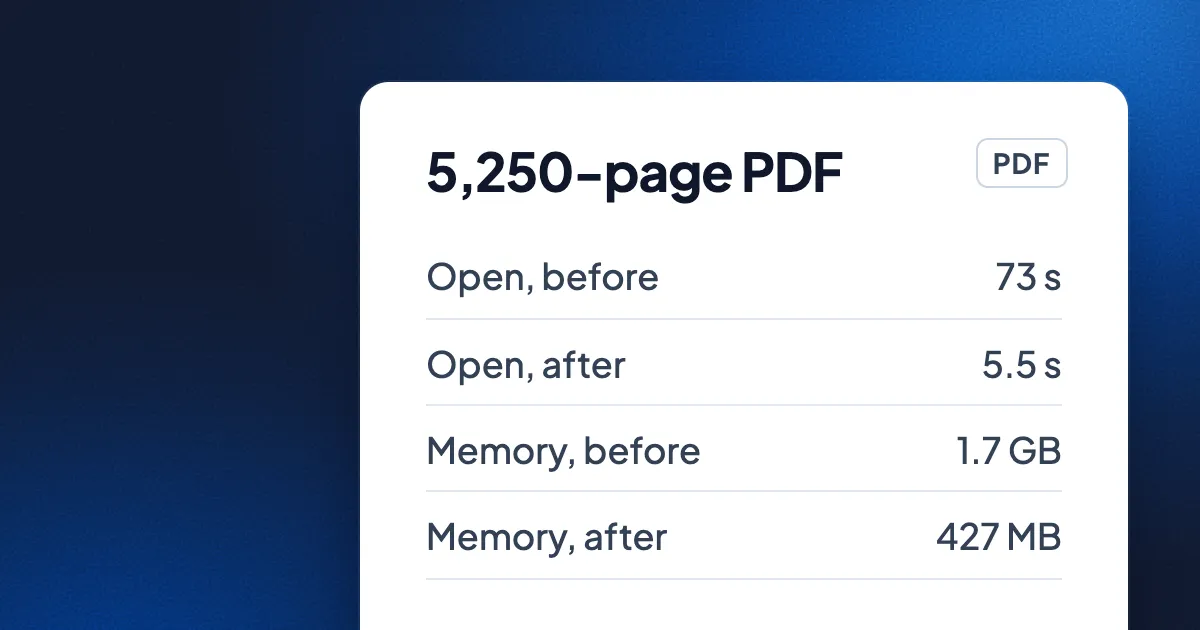
Short answer: in one round of engine work at the start of November 2026, a 5,250-page PDF went from 73 seconds to fully open to about 5.5 seconds in Eddocu, using 427 MB of memory instead of 1.7 GB. A 1,698-page Word file now shows its first page in about 207 ms, and a 550-slide deck its first slide in 13 ms. Flinging through an 875-page PDF used to show blank pages in 57.8% of frames; now it is 1.2%. All numbers were measured on a MacBook Pro with an M3 Pro chip, on the same files before and after.
Why we measure with huge files
Most documents are a few pages long, and almost any editor opens those quickly. The files that hurt are the ones people actually complain about: the 900-page manual, the scanned contract, the 500-slide training deck. So our test set is deliberately unfair. It includes a 5,250-page PDF, an 875-page PDF full of images, a 1,698-page Word document, decks of 486 and 550 slides, and a corpus of 40 ordinary PDFs to keep us honest about everyday files.
Opening: before and after
Measured on 1 November 2026 on a MacBook Pro (M3 Pro), with Eddocu's offline core opening each file the way the app does. "Before" is the engine as it was that morning. The stored document data is byte-for-byte the same before and after, so nothing was made faster by keeping less.
| File | What we timed | Before | After |
|---|---|---|---|
| 5,250-page PDF | Fully open | 73 s | about 5.5 s |
| 5,250-page PDF | Peak memory | 1.7 GB | 427 MB |
| 875-page PDF | Fully open | 6.3 s | about 1.4 s |
| 40 everyday PDFs | All opened, total | 15.7 s | about 7.5 s |
| 1,698-page Word file | First page | 642 ms | about 207 ms |
| 1,698-page Word file | Peak memory | 324 MB | 110 MB |
| 550-slide deck | First slide | 52 ms | 13 ms |
| Decks with embedded fonts | Fonts ready to draw | about 2 s | 8 to 22 ms |
On a Windows laptop with an Intel Core i7-10510U, the same changes cut the total time to open the PDF set by 45%, the PowerPoint set by 32% and the Word set by 29%.
Scrolling: no more blank pages
A fast fling through a long document, zoomed far out so dozens of pages fly past, is where editors show blank rectangles. We measured it frame by frame on 8 November 2026, in Chromium slowed down 4 times to stand in for a cheaper laptop, and in WebKit, the engine the Mac and iPhone apps use.
| Document | Engine | Frames with blank pages, before | After | Slow frames, before | After |
|---|---|---|---|---|---|
| 875-page PDF with images | Chromium, 4x slower CPU | 57.8% | 1.2% | 19.5% | 1.7% |
| 716-page text PDF | Chromium, 4x slower CPU | 16.9% | 0.6% | 4.3% | 0% |
| 550-slide deck | WebKit | 26.6% | 0.8% | 70.6% | 1.2% |
| Word file, about 340 pages | WebKit | 8% | 0.2% | 5.2% | 1.2% |
In the Mac app's own engine, with real trackpad scroll events, a fling far zoomed out went from 26.3% slow frames to 1.8%. The number of pages kept on screen during that fling dropped from 194 to 32.
What changed
- Less work, not faster work. The PDF set now takes 191 billion processor instructions to open instead of 476 billion. Most of the gain came from not doing things: not reading a page's details until it is needed, not decoding a picture nobody will see.
- Memory grows with what you look at, not with the file. Page data is kept in compact columns and frozen once read, which is why the 5,250-page PDF peaks at 427 MB instead of 1.7 GB.
- Fonts in two steps. A deck with embedded fonts draws at once with a quick first copy of each font, and the final font arrives a moment later. Before, the first slide waited about 2 seconds for them.
- Only the pages in view are real. While you fling, the editor shows a ready picture of each page and builds the editable text only for the pages you stop on, about 200 ms later.
Safer, too
Speed work on a file parser goes hand in hand with hostile-file testing. In the same round we fed the engine damaged and malicious files and fixed what they found, including 84 crash cases in the decoder for one old embedded-font format and 7 use-after-free bugs in shared font handling. Every saved hostile file now ends cleanly instead of crashing.
What we have not measured yet
- These are Eddocu's own numbers, before and after. We have not yet timed other editors on the same files; that head-to-head test will be its own post, with the files and scripts to download.
- We have no measurements yet on real low-end Android phones, only emulators.
- Timings for the largest files vary with what else the computer is doing; the 5.5 seconds is a typical run, not a best case.
If a document opens slowly for you, send it to us or tell us what kind of file it is. Real files are how these numbers keep improving. For search speed, see how Eddocu searches 133,245 pages in under 7 ms.
Measurements from Eddocu's engine performance notes: opening on 1 November 2026 and scrolling on 8 November 2026, MacBook Pro with M3 Pro; Windows numbers on an Intel Core i7-10510U laptop.
Related posts
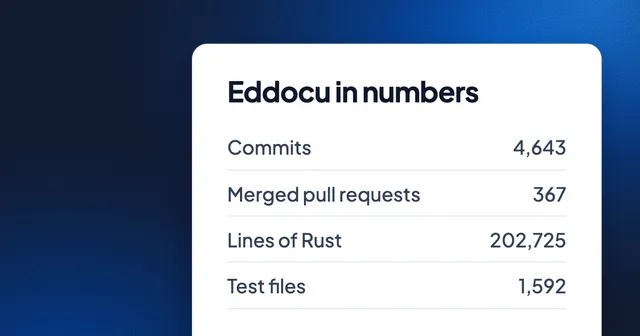
Eddocu in Numbers: 4,643 Commits, 203,000 Lines of Rust and 500 Sign-ups
Eleven months of building a document editor, counted: commits per month, lines per language, the busiest day, and the 500th sign-up on 5 November.
Story 2 min read
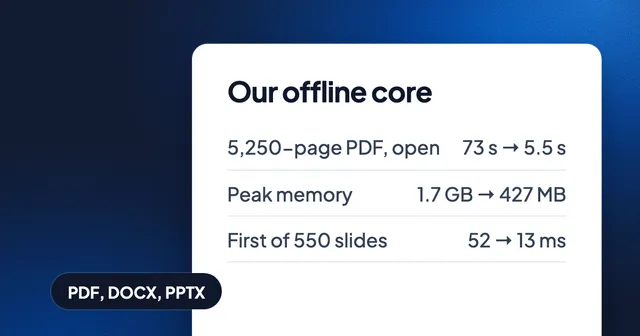
Our Own Document Engine, and Why
Why Eddocu opens PDF, Word and PowerPoint with its own offline core: one document model, offline on your device, and the measured speed that owning the whole path allows.
Story 3 min read
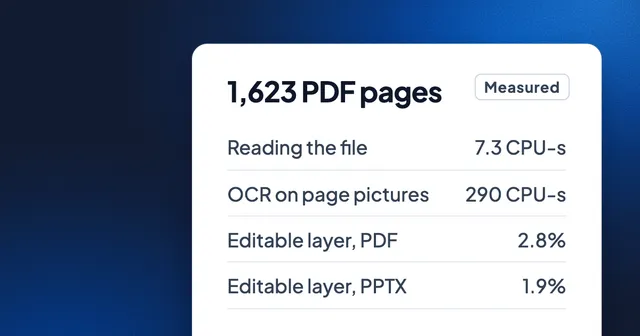
Greener Document Editing: 40 Times Less Computing Than OCR, Measured
We timed reading 1,623 PDF pages as files against reading them as pictures with OCR, and weighed what Eddocu stores for PDF, PowerPoint and Word. The numbers, an honest energy estimate, and where Eddocu is not lighter.
Story 7 min read