Why We Built a Document Editor That Works Offline
One editor for PDF, DOCX and PPTX on every device, running on your hardware, free for personal use. The decisions behind Eddocu and what they cost.
Published Reading time 4 min read
On this page
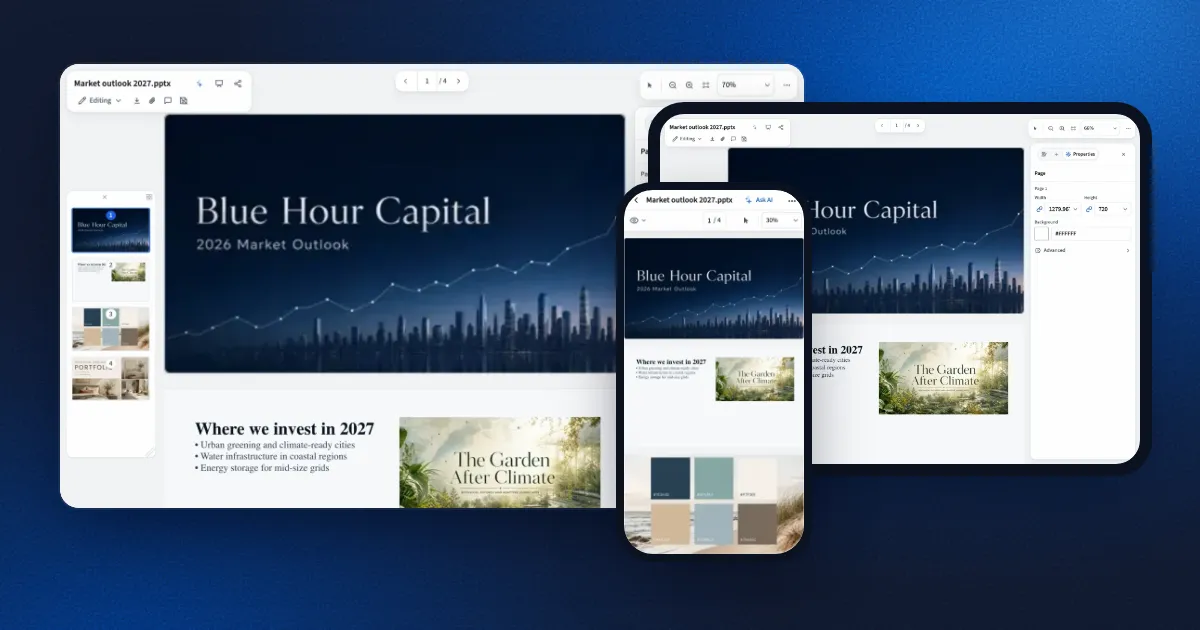
Eddocu is a document editor for PDF, DOCX and PPTX that runs on Mac, Windows, Linux, iPhone, iPad, Android and the web, from one shared engine. It works offline, keeps your files on your device, is free for personal use, and shows no ads. Paid plans add more AI and more cloud storage. This post explains why we built it that way, and what it took.
The problem: three file types, five apps, one upload too many
Most people's documents arrive in three formats: a PDF someone sent, a Word file from a colleague, a PowerPoint deck for a meeting. Editing all three usually means three subscriptions, or a website that uploads your file to convert it and gives back something that no longer looks like the original.
We wanted one editor that:
- opens the file you already have and edits it as it is, instead of converting it first;
- works the same on every device you own, including Linux;
- does its work on your device, so a contract or a payslip never has to leave it;
- feels as fast as reading, not as slow as uploading.
Local first, because the file is yours
The desktop and mobile apps open and edit documents with no account and no network connection. A document stays on your device until you choose to sync it. That decision shaped everything else: the engine that reads PDF, DOCX and PPTX has to run on the device, on every platform, not on our servers.
It also shaped the business model. If the editor runs on your hardware, it costs us almost nothing when you use it, so it can be free for personal use without ads. AI features and cloud sync run on servers and cost real money, so those are what the paid plans cover.
One document, every device
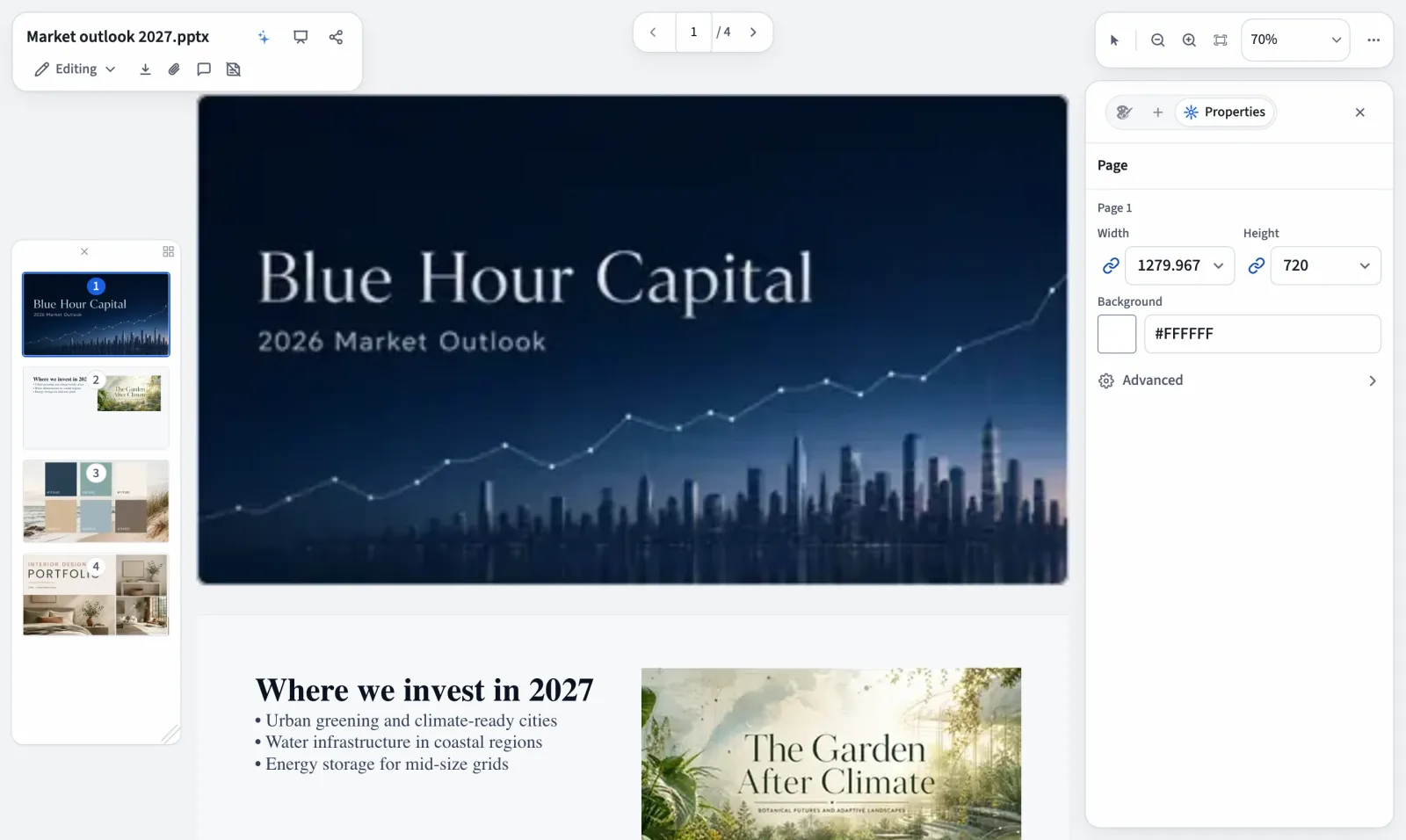
Cross-platform usually means one of two compromises: a web page wrapped as an app, which needs a connection and feels slow, or a separate app per platform, each with its own features and its own bugs. Eddocu does neither. The same engine opens the same file on every device, so a deck you edit on a Linux laptop looks the same on an iPhone, and a fix made once reaches every platform in the next release.
| Device | Where to get it | Opens and edits offline | No account needed |
|---|---|---|---|
| Mac | Mac App Store, or the signed app from eddocu.com | Yes | Yes |
| Windows 10 and 11 | Microsoft Store, winget, or the installer from eddocu.com | Yes | Yes |
| Linux | .deb package for Ubuntu 22.04 and later (64-bit) | Yes | Yes |
| iPhone and iPad | App Store | Yes | Yes |
| Android | Google Play | Yes | Yes |
| Web (any browser, Chromebook) | eddocu.com, nothing to install | No, needs a connection | No, sign in first |
How it works underneath:
- One engine, written in Rust. Reading PDF, DOCX and PPTX, laying out pages, search, text recognition and export all live in one core that compiles for every platform. The phone runs the same code as the desktop, not a lighter copy.
- A thin native shell per platform: Swift on Mac, iPhone and iPad; Kotlin on Android; Rust around WebView2 on Windows; Rust around a bundled Chromium (CEF) on Linux, so it behaves the same on every distribution. The shell handles what only the system can: files, windows, the camera, the share sheet, signing in, purchases.
- One interface, written in plain TypeScript with no UI framework. The library, the editor and the AI chat are the same code everywhere, laid out for the screen they are on.
- Your files where you choose. Documents on your device stay there. Documents you put in your Eddocu cloud appear on every device you sign in on (1 GB free, more on paid plans).
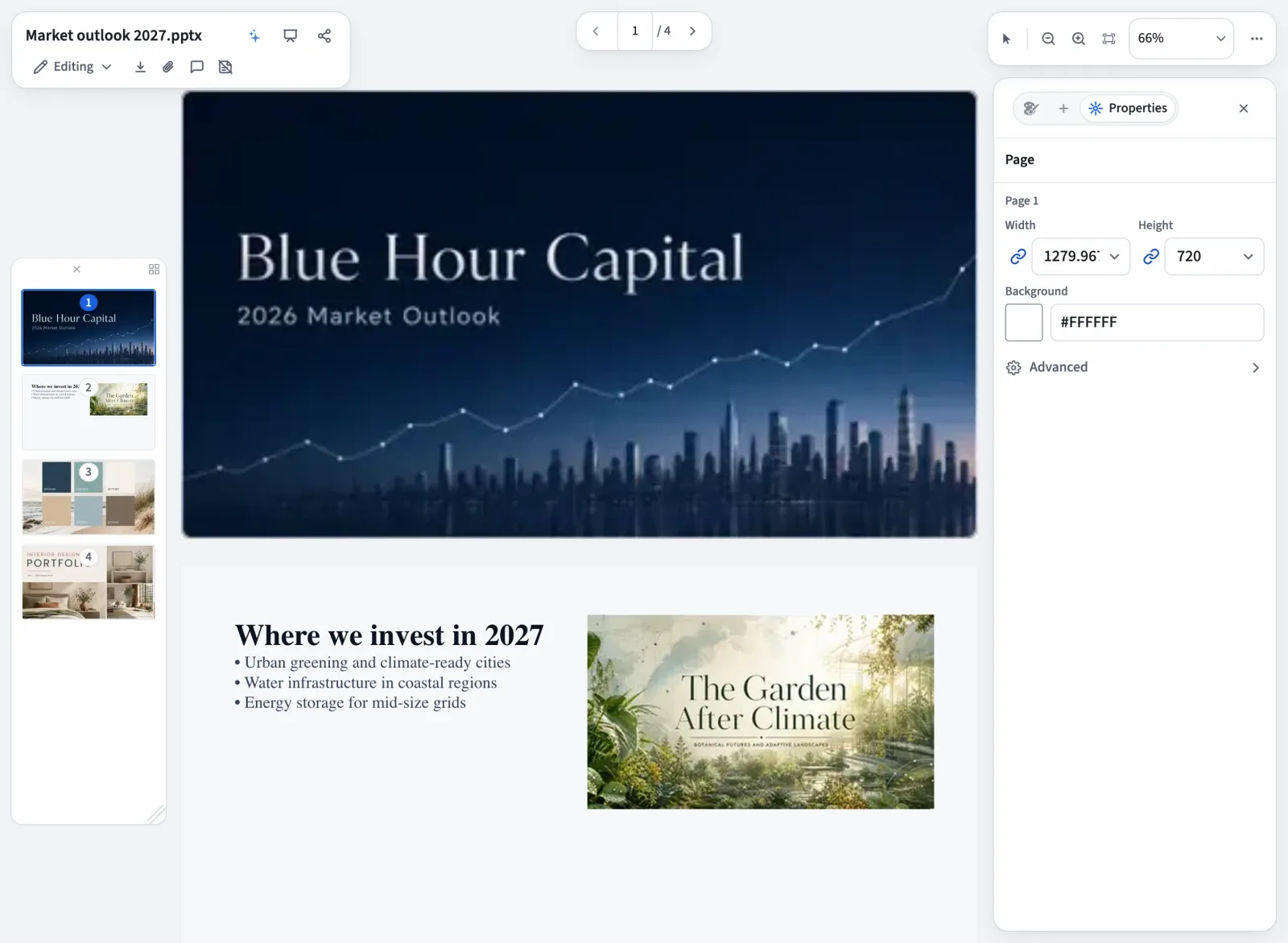
A few things differ by platform, and we say so: the website needs a connection, and running coding agents such as Claude Code or your own MCP servers needs a computer (the Mac app from eddocu.com, Windows or Linux), because those run as programs on your machine. More on that in our post on the AI chat.
Fast like reading
We treat speed as a feature you can feel, so we set rules and keep them:
- The first thing you see is plain HTML. Nothing has to start up before a page appears.
- Documents load a page at a time in a compact binary format, so a 300-page PDF does not have to arrive before page one shows.
- Parsing, text recognition and search run off the main thread, so scrolling never waits on them.
- Engines that only some people need, such as add-ons for less common formats, download on first use instead of growing every install.
Privacy we can explain in one paragraph
Your documents are not used to train AI models. Using an AI feature sends the text it needs to an AI service, and the app asks first. Our product analytics are first party, with no third-party tracking SDK, and they never record what you type or the content of your documents. Offline document use stays anonymous. The full details are on our privacy page.
Where we are today
The first commit landed in December 2025. Eleven months and more than 5,000 commits later, Eddocu ships on the web, as a signed Mac app, as a Windows installer, and as a Linux package, in ten languages. We are honest about the gaps: signatures are drawn rather than certificate-based, there is no redaction tool yet, and complex PDFs can come out slightly different after editing, so we tell people to check the export.
We publish what changes in every release on the changelog. If something breaks on your files, tell us: real documents are how the engine gets better.
Try it
Open a document at eddocu.com, or install the app for your computer from eddocu.com/download. Then turn off your Wi-Fi and keep editing.
Related posts
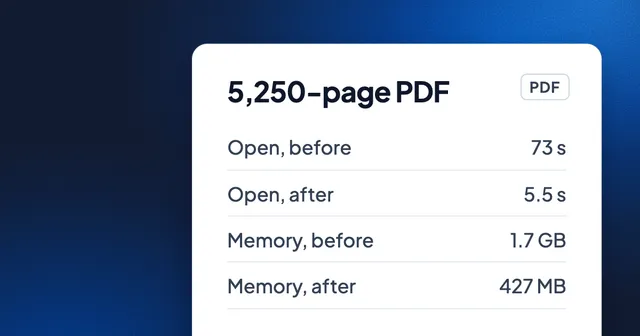
A 5,250-Page PDF in 5.5 Seconds: How We Made Huge Documents Open Fast
One round of engine work took a 5,250-page PDF from 73 seconds to about 5.5, and blank pages while scrolling from 57.8% of frames to 1.2%. Before-and-after numbers on the same files, and what changed.
Story 4 min read
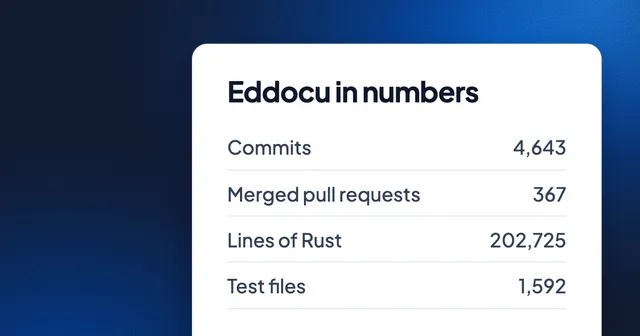
Eddocu in Numbers: 4,643 Commits, 203,000 Lines of Rust and 500 Sign-ups
Eleven months of building a document editor, counted: commits per month, lines per language, the busiest day, and the 500th sign-up on 5 November.
Story 2 min read
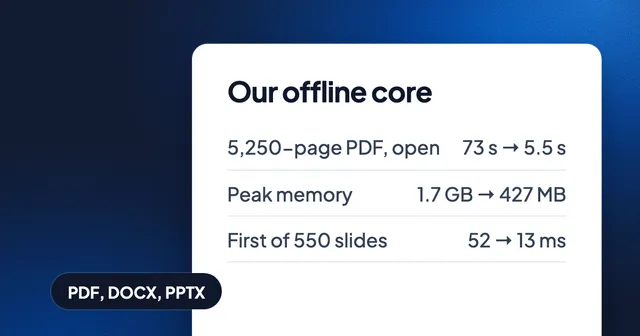
Our Own Document Engine, and Why
Why Eddocu opens PDF, Word and PowerPoint with its own offline core: one document model, offline on your device, and the measured speed that owning the whole path allows.
Story 3 min read