How to Open a Pages File on Windows: Fonts and Layout
Windows and Word cannot open a .pages file. How to read, edit or convert one with Pages for iCloud, an export from the sender or a browser tool, and why fonts and page layout shift on the way.
7 min read
Short answer: Windows has no app for .pages files, and Microsoft Word cannot read them. To edit the document in Pages itself, sign in at iCloud.com/pages with an Apple Account and upload it. To read it or turn it into a PDF or a Word file without an account, use a browser tool such as Eddocu's Open Pages File. Whichever you pick, check two things afterwards: the fonts, because Windows lacks most Mac fonts, and the page layout, because a Pages layout document is built from boxes that other programs place their own way.
Eddocu is the editor we make. The methods below that use other companies' tools follow their own support pages, linked in each section.
Ways to open a Pages file on Windows
| Method | Read | Edit | Save as | Account | Main limit |
|---|---|---|---|---|---|
| Pages for iCloud | Yes | Yes | Pages, Word, PDF, EPUB | Apple Account | The file is stored in iCloud; needs a connection |
| Ask for a Word or PDF export | Yes | Yes, in Word | DOCX, PDF | None | Someone with Pages has to do it |
| Open Pages File (Eddocu) | Yes | No | PDF, or convert to Word | None | Missing fonts are replaced by close matches |
| Pages to Word (Eddocu) | After conversion | Yes, in any DOCX editor | DOCX | None | Word reflows complex layouts |
| Edit Apple Pages (Eddocu web) | Yes | Text, images, layout | Pages, DOCX, PDF | Free account | The file is uploaded to your Eddocu library |
| Rename to .zip | A small preview, if any | No | Nothing | None | No text, usually one picture of page 1 |
Edit it in Pages for iCloud
- In a browser on the PC, go to iCloud.com/pages and sign in with an Apple Account. Creating one is free.
- Drag the .pages file into the document manager, or click the upload button in the toolbar and choose it.
- Double-click the document to open it, then edit it in the browser.
- For a copy on the PC, click the More button, choose Download a Copy and pick Pages, PDF, Word or EPUB.
Apple's Pages for iCloud guide covers uploading a document, which also accepts Word, plain text and RTF files, and downloading a copy in those four formats. Apple notes that every document counts toward your iCloud storage.
This is the route to take when the file has to go back to someone on a Mac, because it is the one that can save a .pages file again. It also means the document now lives in an Apple Account, which matters for a contract or a medical letter.
Ask the sender for Word or PDF
If the person who sent the file has a Mac, the quickest fix is often a second file. Apple's export guide gives these steps for Pages on a Mac:
- Open the document in Pages.
- Choose File, Export To, then Word or PDF.
- Set any options, then name the copy and choose where it is saved.
The original is not changed. Ask for both files: the DOCX to edit and the PDF as a picture of how every page is meant to look. Pages for iCloud downloads Word and PDF copies as well, so a sender without their Mac at hand can still do it. Smart annotations are left out of a Word export, Apple's guide says.
Read or convert it in a browser, with no upload
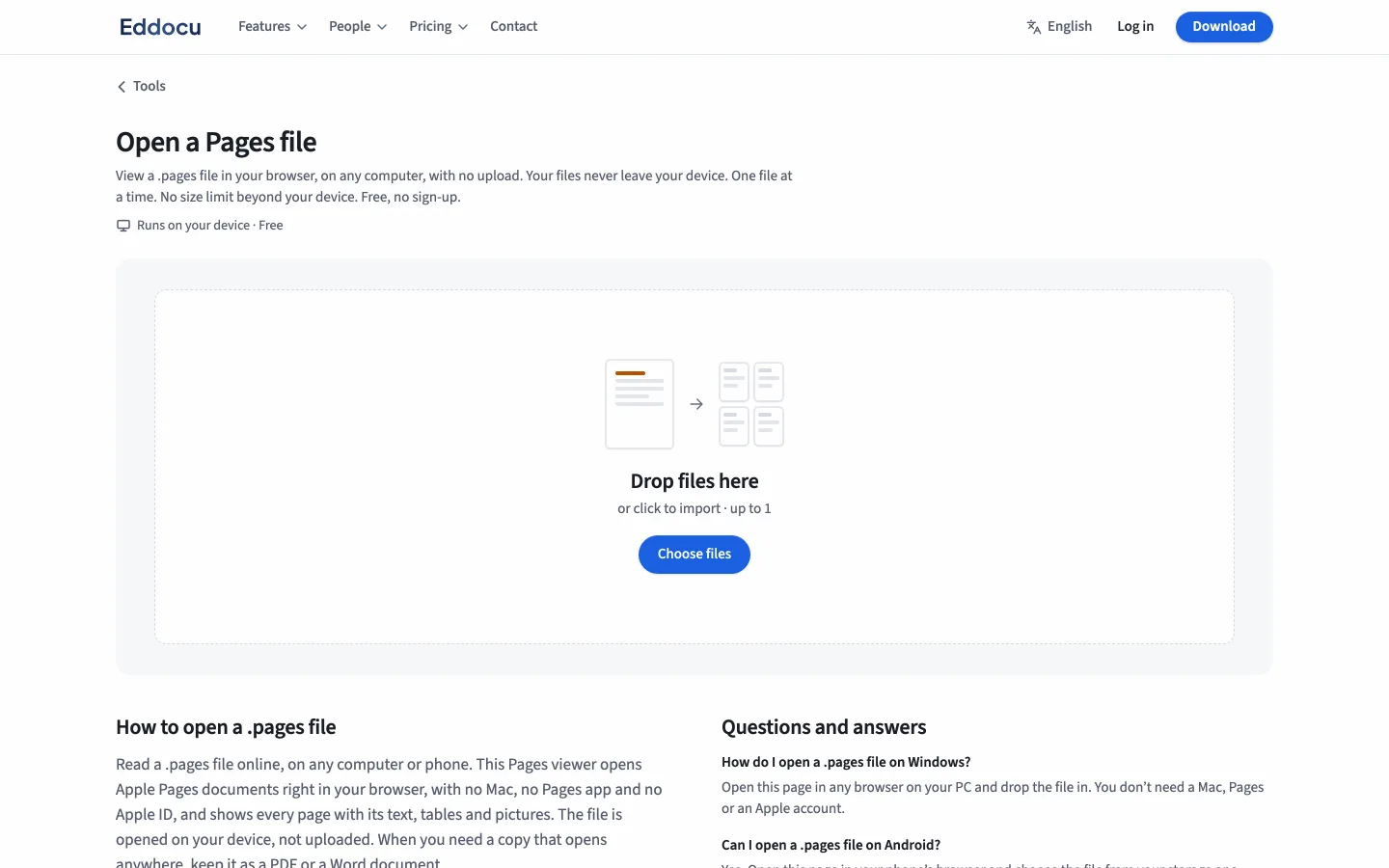
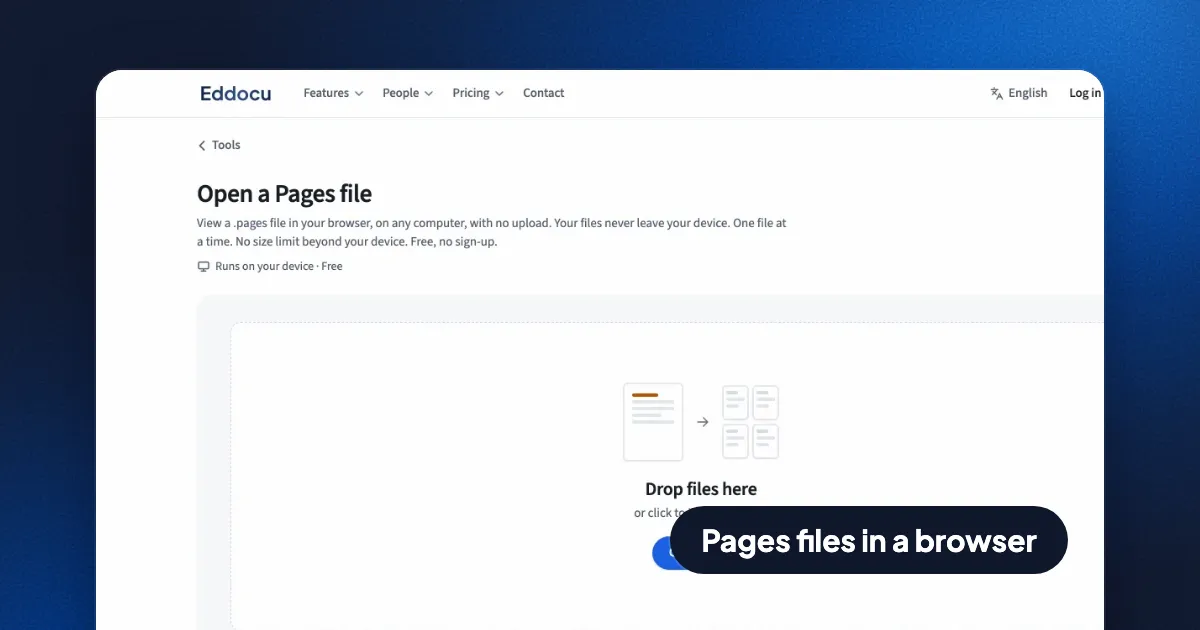
Open Pages File shows every page of the document in the browser, with its text, tables and pictures. It works on Windows, Linux, a Chromebook or a phone. The file is read on your device rather than sent to a server, and there is no account to create. From there you can keep a PDF or a Word copy.
- Pages to PDF gives a file that opens anywhere, for reading, printing or sending on. It converts up to 50 files at once.
- Pages to Word makes a DOCX with the text, headings, lists, tables and pictures, for Word, Google Docs or LibreOffice.
- Edit Apple Pages opens the document in the Eddocu web editor and saves it as Pages, Word or PDF. It needs a free account, and the file is uploaded to our server and kept in your library.
All of these are listed on the Apple Pages tools page.
Fonts: why the text moves
A .pages file names its fonts but does not carry them. Many Pages templates are set in fonts that come with macOS, such as Helvetica Neue, Avenir Next or Hiragino, and Windows does not ship those. Any program that opens the file on a PC has to draw the text in something else.
A replacement font is rarely the same width. A paragraph that filled six lines on the Mac can need seven, so a heading slips to the next page, a table row grows or a caption no longer fits its box. On the Mac, Pages itself shows a missing font notice and lets you choose replacements with Format, Font, Replace Fonts. On Windows you get whatever the converter picks: Eddocu's tools use the closest match they have, and Word uses its own.
- Read first, then convert. Look at the document in the viewer or as a PDF before you edit the Word copy, so you know where the lines were meant to break.
- Install the font if you have a licence. When the sender used a font sold for Windows too, installing it before converting gives the closest result.
- Pick a common font for the reply. If the document will go back and forth, agree on a font both computers have, and set it on the Mac before the next export.
Page layout: two kinds of Pages document
Pages makes two kinds of document. A word-processing document is one stream of text that flows from page to page, like a Word file. A page layout document, used for flyers, newsletters and posters, is a set of text boxes, shapes and pictures placed at fixed positions on each page, closer to a design file.
The first kind converts to Word well: paragraphs, headings, lists and tables have direct Word equivalents. The second kind is where a DOCX disappoints. Word has to turn each box into a floating object, and once the fonts change width, boxes overlap or text spills out of them. Apple's own guide notes that page layout documents cannot be exported as plain text or RTF at all.
- For a flyer, poster or newsletter, ask for or make a PDF. It keeps every box where the designer put it.
- For a letter, report or essay, a DOCX is fine and easy to keep editing.
- To change a few words in a layout and keep the layout, edit the document itself, in Pages for iCloud or in the Eddocu web editor, rather than in a Word copy.
The .zip trick, and why it rarely helps
Older advice says to rename the file from .pages to .zip and open it. A .pages file is indeed a compressed package, and Windows will open it as a folder. Inside you usually find a small preview picture of the first page and data files that only Pages reads. The text is not there in a form you can copy, and the other pages are not shown. It can tell you what a file is about; it will not let you read or edit it.
Moving from a Mac to a PC
If you are leaving a Mac behind, export your Pages documents before you go. On the Mac you can export each one to Word or PDF in a few clicks; on a PC every file has to pass through iCloud.com or a converter, one at a time or in batches.
- Colleagues send .docx: Microsoft Word, LibreOffice Writer or Eddocu, which opens Word files and PDFs on Windows, works offline and is free for personal use.
- Colleagues stay on Pages: Pages for iCloud, so the files keep their format.
- You only receive the odd .pages file: keep Open Pages File bookmarked.
See Pages and Eddocu and Word and Eddocu for formats and prices side by side. Keynote decks have the same problem; opening a Keynote file on Windows covers them.
Facts checked on 29 November 2026 on support.apple.com and eddocu.com. Menu names can change with updates.
FAQ
Can Microsoft Word open a .pages file?
No. Convert it to DOCX first, or ask the sender to export it to Word from Pages.
Can I download Pages for Windows?
Apple makes Pages for Mac, iPhone and iPad. On a PC you use it in a browser at iCloud.com, with an Apple Account.
Can I open a Pages file without an Apple Account?
Yes. A browser viewer or converter such as Open Pages File reads it without one. Editing in Pages for iCloud needs an Apple Account.
Why does my converted Pages file look different?
Usually the fonts. Windows lacks most Mac fonts, so the text is drawn in a replacement of a different width and lines break in new places. Page layout documents also move more than word-processing ones.
Is it safe to open a Pages file in a browser?
It depends on the tool. Eddocu's viewer and converters read the file on your device. Pages for iCloud and most online converters store or process it on their servers.