Use Claude Code, Codex or Gemini CLI on Your Documents, With Your Own MCP Servers and API
Run Eddocu's AI chat on the coding agent you already pay for, your own API key, your company's AI gateway or your own MCP servers, and edit PDF, Word and PowerPoint files with the layout kept.
Published Updated Reading time 5 min read
On this page
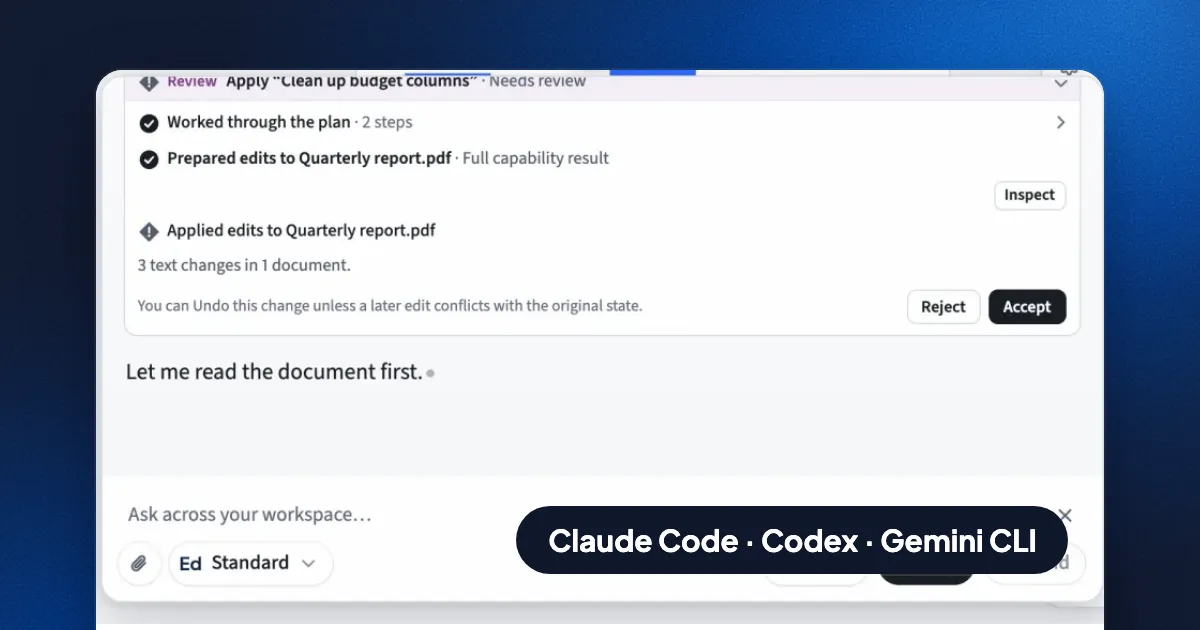
Short answer: Eddocu's AI chat can run on Eddocu's own models, on the coding agent you already pay for (Claude Code, Codex or Gemini CLI), or on your own API: an Anthropic, OpenAI or Google key, or any OpenAI-compatible URL, including a company's in-house gateway. You can also add your own MCP servers, by command or by URL, and their tools work in the same chat. Whatever answers, it reads and edits your PDF, Word and PowerPoint files with the layout kept. Agents, keys and MCP servers are in the desktop apps for Mac, Windows and Linux.
Four ways to power the chat
| Option | What you need | Who bills you | Where |
|---|---|---|---|
| Eddocu AI | Nothing; 100 AI credits a month on the free plan | Eddocu (more credits on paid plans) | Every platform |
| Coding agents: Claude Code, Codex, Gemini CLI, OpenCode, Antigravity, or any ACP agent | The agent installed and signed in on your computer | Your Claude, ChatGPT or Google plan | Mac, Windows, Linux |
| Your API key: Anthropic, OpenAI, Google AI | A key from the provider's console | The provider, directly | Mac, Windows, Linux |
| Model at a URL: any OpenAI-compatible service | An https:// base URL, a model name, a key if the server asks | Whoever runs the service | Mac, Windows, Linux |
You switch between them in the chat. Eddocu's own models stay available in every chat, so you can compare answers on the same document.
Claude Code, Codex and Gemini CLI on your documents
Coding agents are good at long, careful jobs: read twenty files, plan, change many things, check the result. Eddocu gives them documents to work on. In Settings › AI models › Agents on this computer, Eddocu shows which agents it found, with Install and Sign in buttons for the ones it didn't. Then pick the agent in the chat and ask, for example, "Update every price in these three proposals to the 2027 list and keep the formatting".
- Your plan, your login. Claude Code uses your Claude Pro or Max plan, Codex your ChatGPT plan, Gemini CLI your Google account. You sign in to the agent itself; Eddocu never sees that login, and these chats use no Eddocu credits.
- Runs on your computer. Eddocu starts the agent as a program on your machine and talks to it over the Agent Client Protocol (ACP), the open standard for connecting agents to editors.
- Real document tools, not text dumps. Eddocu's offline core serves your documents to the agent as an MCP server: read a page, see it as a picture, edit text in place, rewrite a section, create a document, move files. A PDF stays a PDF and a deck stays a deck.
- Any other agent. Add "Your own agent" with the command that starts it, and anything that speaks ACP works the same way.
Claude Code, Codex and Gemini CLI start through npx, so they need Node.js on the computer.
Add your own MCP servers
MCP (Model Context Protocol) is how AI tools reach other systems: a CRM, a database, a wiki, a ticket tracker. In Settings › AI models › MCP servers, give a server a name and either:
- a command that runs on your computer (the server talks over standard input and output), or
- a URL (Streamable HTTP), with an optional token.
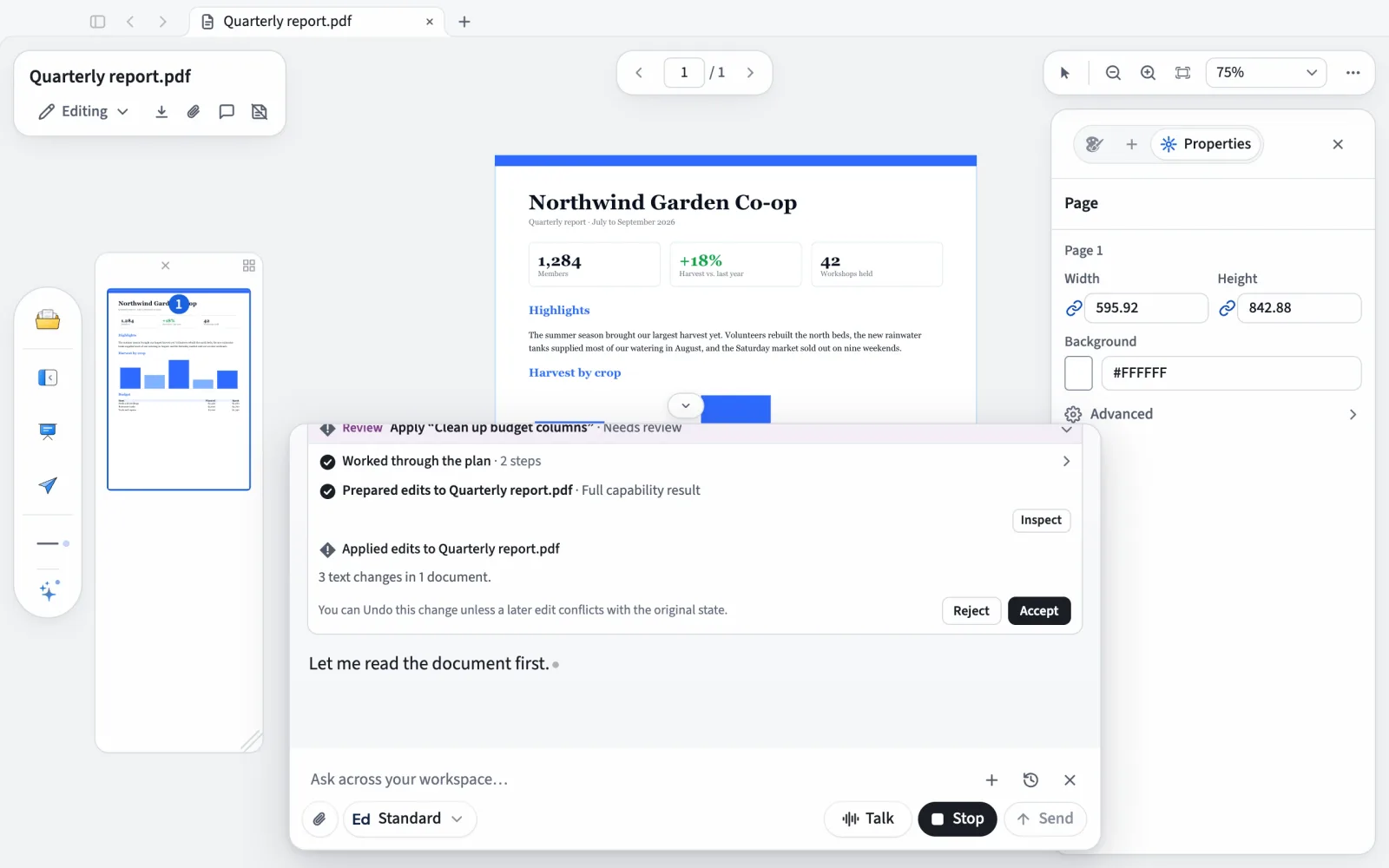
The server's tools are then offered to Eddocu's own agent and to the coding agents on the computer. Ask "Draft the renewal letter for Acme from our CRM notes" and the chat can look the account up through your MCP server and write the letter into a real DOCX. When Eddocu's agent wants to call one of those tools, it asks first: Allow once, Always allow, or Don't allow.
Use your company's own AI
Many companies run AI through their own gateway, for cost control, logging or data rules. Eddocu's "Model at a URL" takes any service that speaks the OpenAI-compatible API: OpenRouter, Groq, Together, or your in-house endpoint. Enter its https:// base URL (usually ending in /v1), the model name, and a key if it needs one.
- Keys stay on the computer. Keys and URLs are stored by Eddocu's offline core on your machine, and the app sends each request straight to your provider. It doesn't pass through Eddocu's servers.
- No Eddocu credits. Your provider bills you, at your rates.
- One limit: the URL must be an https address reachable from the internet or your network. Models served on the same computer (localhost, such as Ollama) aren't supported yet.
You decide what the AI may change
- Three modes for agents: Read only (it reads and plans, changes nothing), Ask (it asks before each change), and Allow (it goes ahead). Set it once in Settings or switch it from the chat's model menu.
- Tools from your MCP servers ask first: Allow once, Always allow, or Don't allow.
- Edits wait for you: the chat shows what it changed, with Accept and Reject, and you can undo a change.
Privacy
With a coding agent, your own key or your own URL, the request goes from your computer to the service you chose, under your account with that service. With Eddocu AI, the app sends your prompt and the parts of the document you use it on to the AI providers we work with, after asking you once; nothing is sent until you use an AI feature, and your documents are not used to train models. Details are on our privacy page.
FAQ
Can I use Claude Code to edit a PDF or a PowerPoint file?
Yes, through Eddocu. Install Eddocu for Mac, Windows or Linux, sign in to Claude Code, pick it in Eddocu's chat, and ask. Eddocu gives Claude Code tools that edit the PDF or PPTX in place, with the layout kept.
Can I connect my own MCP server to a document editor?
In Eddocu, yes: Settings › AI models › MCP servers, by command or by URL. Its tools work in the chat next to Eddocu's document tools.
Can I point Eddocu at our company's internal AI API?
Yes, if it speaks the OpenAI-compatible API over https. Add it as "Model at a URL" with its base URL, model name and key. Requests go straight from the app to your endpoint.
Does this work on iPhone, Android or the website?
Eddocu AI works everywhere. Coding agents, API keys, URLs and MCP servers need the desktop app for Mac (from eddocu.com, not the Mac App Store), Windows or Linux, because they run on your computer.
Facts checked on 14 November 2026 against Eddocu 1.3.20 for Mac, Windows and Linux. Claude Code is Anthropic's, Codex is OpenAI's and Gemini CLI is Google's; Eddocu works with them and is not affiliated with those companies.
Related posts
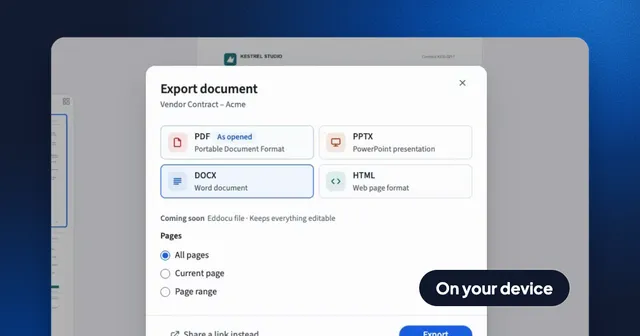
Convert a PDF to Word and Back Without Uploading It
Export a PDF to an editable Word file on your computer or phone, with the layout kept and no internet needed, then turn the Word file back into a PDF. Recorded in the app, with what survives the trip and what does not.
Guide 3 min read
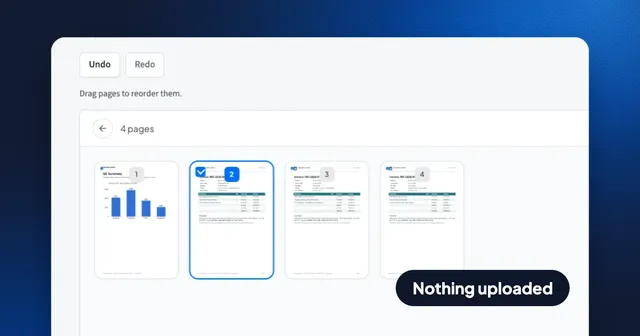
How to Merge PDF Files Without Uploading Them, Then Put Every Page in Order
Join up to 100 PDFs in your browser with nothing uploaded, no account and no watermark, then drag single pages into place. Recorded step by step, with Preview and merge websites compared.
Guide 3 min read
Turn Photos of Receipts Into a PDF With Text You Can Search and Edit
Pick receipt photos, choose Text boxes, and Eddocu reads every page on your device into real text, then exports a searchable PDF. Recorded step by step, with what it gets right and wrong.
Guide 3 min read