Free for Personal Use: PDF, Word and PowerPoint in One Fast Editor
What is free in Eddocu, on which devices, what is paid and from what price, and one measured speed number with its date and setup.
Published Updated Reading time 2 min read
On this page
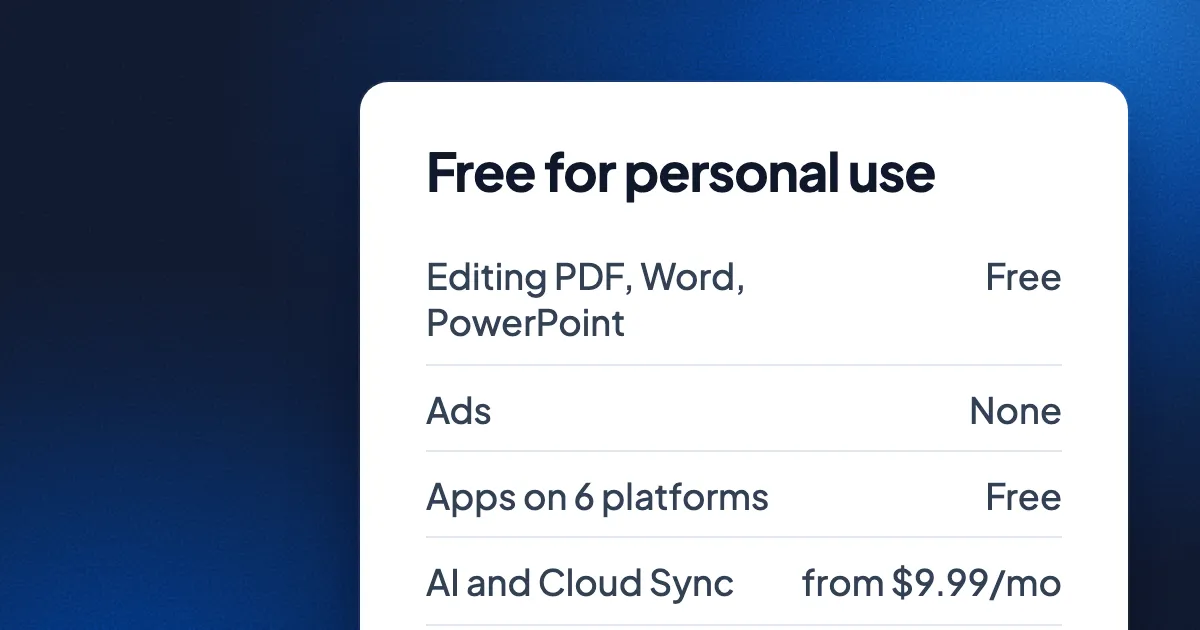
Short answer: Eddocu is free for personal use. You can open, edit, comment on and export PDF, Word and PowerPoint files in one editor, with no ads, in apps for iPhone, iPad, Android, Mac, Windows and Linux and on the web. Only the AI features and Cloud Sync are paid, beyond a small free allowance, from $9.99 a month. The details are on eddocu.com/pricing.
What free means
- The editor is not cut down. Changing the text of a PDF, editing Word documents and PowerPoint slides, comments, equations and export work the same on the free plan.
- No ads, on any plan.
- Offline editing in the apps. The apps open and edit files on your device, without an account.
- A free account for the web. The web editor at eddocu.com/doc asks you to sign in first; the free account includes 1 GB of storage and 100 AI credits a month, and imports of PDF, DOCX and PPTX files into it are capped at 10 documents in total.
- Browser tools with no account at all. The tools at eddocu.com/tools need no sign-up and add no watermark.
What is paid, and from what price
| Free | Pro | Pro AI | Pro AI Plus | |
|---|---|---|---|---|
| Price | $0 | $9.99 a month or $49.99 a year | $19.99 a month or $119.99 a year | $39.99 a month or $299.99 a year |
| AI credits a month | 100 | 1,000 | 5,000 | 25,000 |
| Imports (PDF, DOCX, PPTX) | 10 documents in total | 500 a month | 500 a month | 2,000 a month |
| Storage | 1 GB | 100 GB | 100 GB | 250 GB |
| AI document creation | No | No | Yes | Yes |
Prices are in US dollars as of 7 October 2026; euro and lira prices are on the pricing page. Yearly plans start with a 7-day free trial for first-time subscribers. Enterprise plans are sold separately.
Why it is fast
Free should not mean slow. One number we measured: a 5,250-page PDF went from 73 seconds to about 5.5 seconds to fully open, with peak memory down from 1.7 GB to 427 MB. That was measured on 1 November 2026 on a MacBook Pro with an M3 Pro chip, with Eddocu's offline core opening the same file before and after one round of engine work. The setup and the other files are in how huge documents open fast.
Also free: LaTeX projects and equations
A LaTeX or Overleaf project can be imported as an editable document on the web, signed in: Open your LaTeX or Overleaf project as an editable document. And equations written in LaTeX stay editable in documents and slides, and in the Word and PowerPoint files you export: Write equations in LaTeX, keep them editable.
Questions
Do I need an account?
Not in the apps or the browser tools. The web editor uses a free account, and so does anything that goes through our server, such as LaTeX import and AI.
Where do I get the apps?
At eddocu.com/download, for iPhone, iPad, Android, Mac, Windows and Linux.
Facts checked on 15 November 2026 against Eddocu's pricing (version of 7 October 2026), the plan catalogue in the apps and the speed measurements of 1 November 2026.
Related posts
The Best Web-Based Presentation Tools in 2026
A roundup of the top browser-based presentation tools and what makes each one unique.
Roundup 1 min read
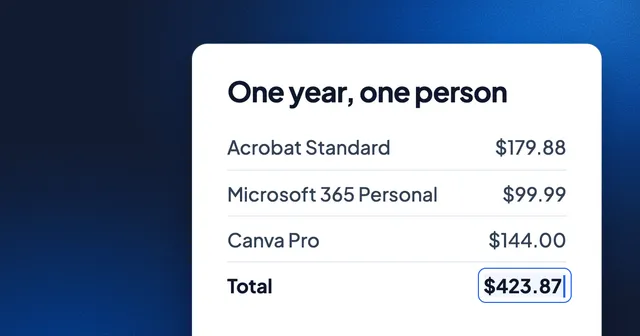
What Document Software Costs in 2026: One Year of Acrobat, Microsoft 365, Canva and the Free Options
Acrobat Standard and Microsoft 365 Personal together cost $279.87 a year. Fourteen PDF, Word and slide tools priced side by side, the mixes people actually pay for, and the free tools that do the same jobs.
Roundup 4 min read
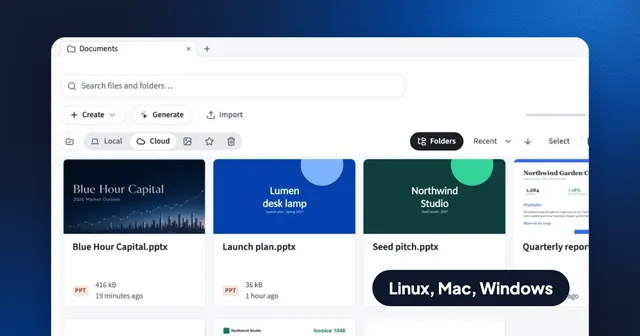
Free PDF Editors for Linux in 2026: What Each Can Edit
Okular, Xournal++, PDF Arranger, LibreOffice Draw, Inkscape, Master PDF Editor and Eddocu, sorted by the job: annotate, reorder, sign or change the text.
Roundup 5 min read