Open Your LaTeX or Overleaf Project as an Editable Document
Import an Overleaf .zip or a .tex file at eddocu.com/doc and get pages you can edit, with equations that stay LaTeX. What it typesets, what it does not handle yet, and why it runs on our server.
Published Reading time 4 min read
On this page
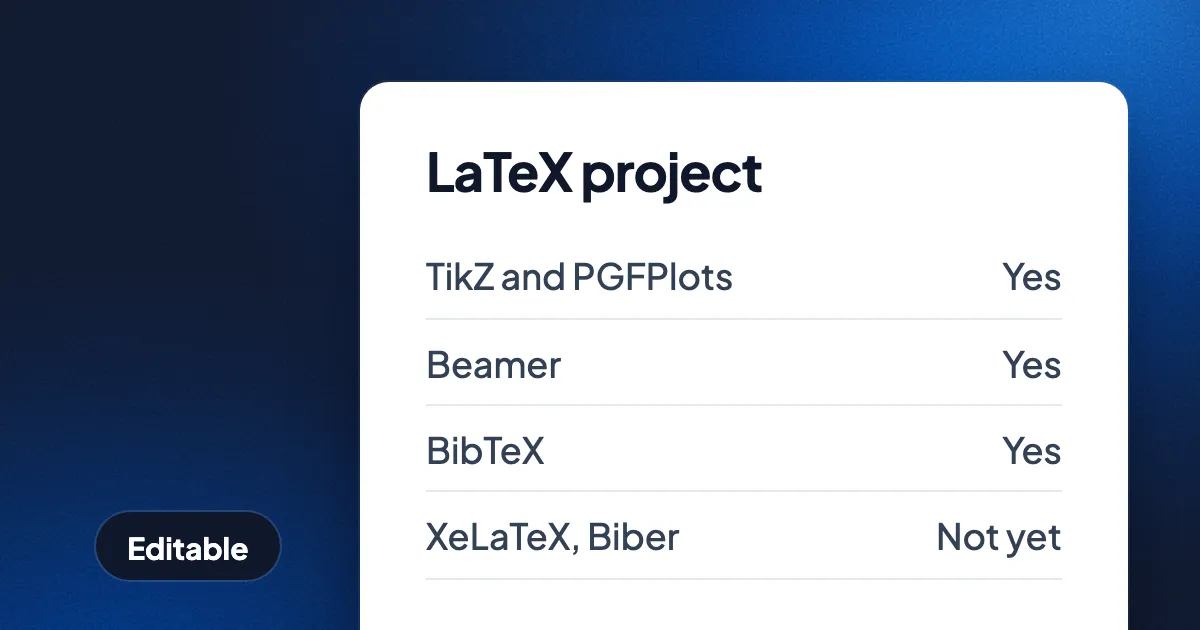
Short answer: download your Overleaf project as a .zip (or take a single self-contained .tex file), open eddocu.com/doc signed in, choose Create or import, then Import and From this device, and pick the file. Eddocu typesets the project on our server and turns the result into an editable Eddocu document: text you can retype, pictures and drawings you can move, and equations that stay editable as LaTeX. It is not a LaTeX editor and not a replacement for Overleaf; it is a way to get a finished LaTeX project into a document you can edit, comment on, share and export.
Import a LaTeX project, step by step
- Get the project as one file. In Overleaf, download the project as a .zip. A project on your own computer works the same way: zip the folder with the main .tex file and everything it uses. A single .tex or .ltx file works too, as long as it needs nothing else.
- Sign in at eddocu.com/doc. LaTeX import runs on Eddocu's server, so the file is uploaded and you need an Eddocu account. A free account is enough.
- Choose Create or import, then Import, then From this device. The file picker takes .tex, .ltx and .zip next to PDF, Word and PowerPoint files, even though the hint under the button only names PDF, DOCX and PPTX.
- Wait for the typesetting. Eddocu finds the main document in the project, runs it until the references and the table of contents settle, runs BibTeX if the project has a bibliography, and builds the editable pages. The same project uploaded again is not typeset again: results are kept by the source's hash.
- Edit the document. The pages look like the PDF your project would make, but each line of text, each picture and each equation is its own editable piece. Your original .zip or .tex file is kept unchanged next to it.
What the import understands
The importer reads the source, not a PDF someone exported from it. It loads TeX Live's macro, class, font and encoding files, typesets with a pdfTeX-compatible engine written for Eddocu, and converts what it lays out into text runs, frames, vector drawings, links, fonts, pictures and editable math. Today that covers projects that build with pdfLaTeX:
- Cross-references and tables of contents that need several passes.
- Bibliographies made with classic BibTeX.
- Projects split into files with nested
\input. - Type 1, OpenType and TrueType fonts; PNG, JPEG and PDF graphics, with clipping and transparency.
- Figures drawn with TikZ and PGFPlots, and other pdfTeX drawing commands.
- Beamer presentations and microtype.
- CV classes such as moderncv, komacv, limecv, europasscv2025, ecv and ReadableCV.
Equations come in as editable math: click one and change it as a formula or as its LaTeX source. How that editor works, and what happens to the equations when you export, is in Write equations in LaTeX, keep them editable.
What it doesn't handle yet
| Your project uses | Imports today? |
|---|---|
| pdfLaTeX with BibTeX | Yes |
| TikZ, PGFPlots, Beamer | Yes |
| XeLaTeX or LuaLaTeX (fontspec, unicode-math) | No |
| A bibliography made with Biber (biblatex default) | No |
| MakeIndex, Xindy or generated glossaries | Only if the finished output is in the project |
| Shell escape or outside programs, such as minted | No |
| Packages that need an engine feature or plugin not built yet | No |
When a project needs something from the second half of that table, the import stops and says what is missing: which project files or pictures it could not find, or which companion tool the project needs. It never shows a half-built document as if it had worked. If a file is missing, add it to the .zip and import again.
Limits, today
- Web, signed in, online. The typesetting happens on Eddocu's server after the upload, so it needs a connection and an account. This guide covers the web editor at eddocu.com/doc.
- One way. You get an editable document, not a .tex file back. Your source is kept unchanged, but edits in Eddocu are not written into it.
- Upload a file, not a folder. Zip a project folder before you import it.
Questions
Is this an Overleaf replacement?
No. Overleaf is where you write and compile LaTeX. Eddocu takes a finished project and gives you a document you can edit like any other: fix a sentence, move a figure, leave comments, share a link, or export it as PDF, Word or PowerPoint. It does not talk to Overleaf; you bring the downloaded .zip.
Does it cost anything?
The import works on a free account. What is free and what is paid is in Free for personal use and on eddocu.com/pricing.
Can I import a PDF of my paper instead?
Yes, PDFs import too, and their text is editable. A LaTeX import goes further: equations come in as editable LaTeX math, not as drawn glyphs, because the importer reads the source.
Facts checked on 15 November 2026 against Eddocu's LaTeX importer, its documentation and the web import sheet.
Related posts
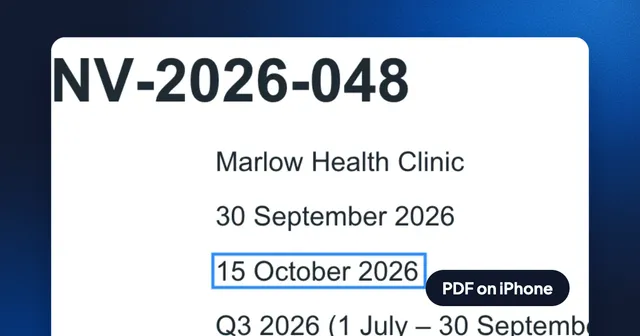
How to Edit the Text of a PDF on iPhone, Free and Without an Account
Open a PDF in Eddocu for iPhone, switch to Editing, change a line in the PDF's own font and export it as PDF from the share sheet. Recorded step by step, with what the exported file keeps.
Guide 3 min read
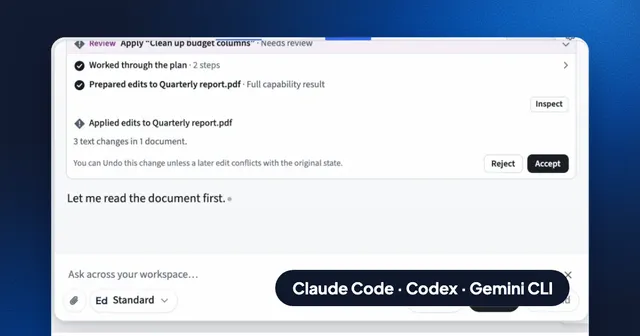
Use Claude Code, Codex or Gemini CLI on Your Documents, With Your Own MCP Servers and API
Run Eddocu's AI chat on the coding agent you already pay for, your own API key, your company's AI gateway or your own MCP servers, and edit PDF, Word and PowerPoint files with the layout kept.
Guide 5 min read
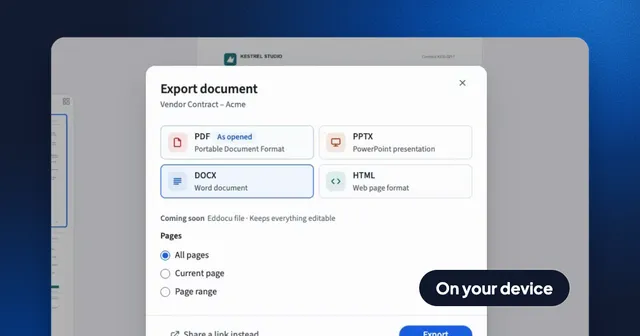
Convert a PDF to Word and Back Without Uploading It
Export a PDF to an editable Word file on your computer or phone, with the layout kept and no internet needed, then turn the Word file back into a PDF. Recorded in the app, with what survives the trip and what does not.
Guide 3 min read