Every Document Is Editable: PDFs, Scans, Pictures, PPTX and DOCX
Edit a PDF in its own font, turn scans and photos into text boxes read on your device, lift the text out of a picture, and open PowerPoint and Word files as their own pages. With the limits.
Updated 5 min read
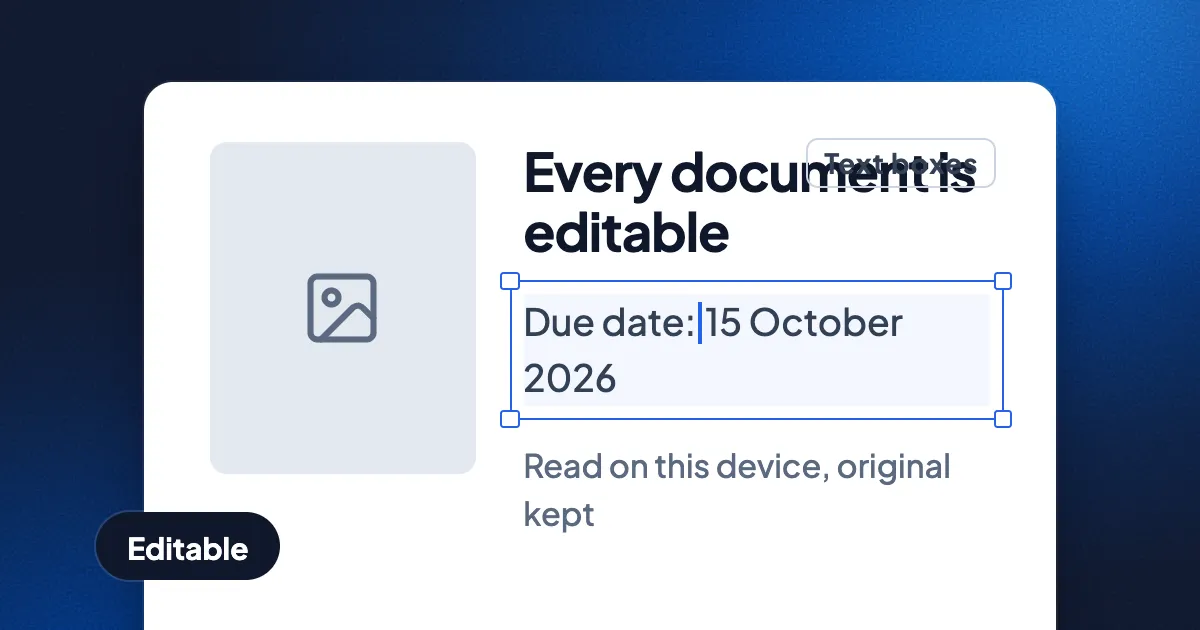
Short answer: in Eddocu, a PDF's text is edited in place, in the PDF's own font. A scan or a photo of a page becomes text boxes you can edit, read on your device. A picture with words on it can have its text pulled out, restyled to match, or rebuilt with AI. PowerPoint decks and Word files open as their own pages, ready to edit. Each of these has limits, listed below, and none of them throws away the original.
Eddocu is the editor we make: a document editor for PDF, DOCX and PPTX that works offline, is free for personal use and has no ads; paid plans add AI and cloud sync.
What becomes editable, and how
| You start with | Editable text? | How | Needs AI? |
|---|---|---|---|
| A PDF with text | Yes | Switch to Editing and type in the line | No |
| A scanned PDF | Yes | Convert all pages, when Eddocu offers it | No |
| Photos of pages or receipts | Yes | Tools, Scan to PDF, Text boxes | No |
| A picture with words on it | Yes | The picture's menu: Extract text, or Extract text with style | No |
| A picture you want rebuilt, objects and all | Yes | Make editable with AI | Yes |
| A PowerPoint deck (PPTX) | Yes | Open it | No |
| A Word file (DOCX) | Yes | Open it in the apps, or import it on the website | No |
PDFs: the PDF's own text, in its own font
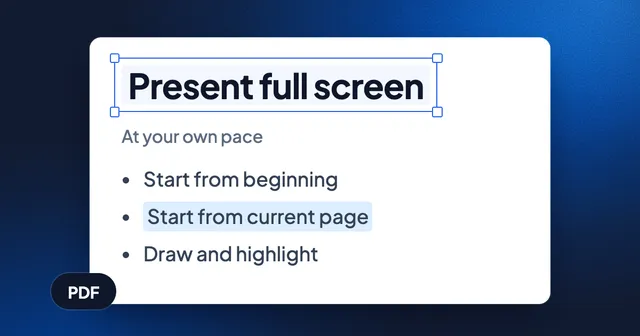
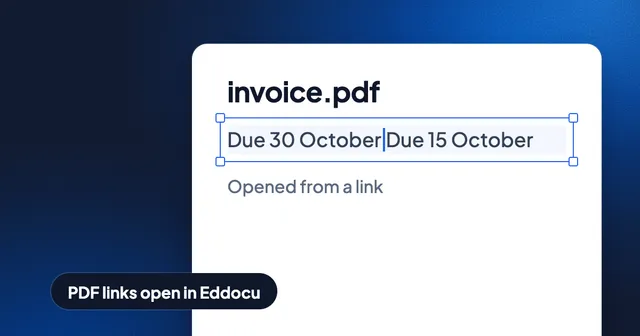
Eddocu edits the text that is already in a PDF. Switch from Viewing to Editing, select a line, then click or tap it again and type. The new words take the line's font, size and colour, so the page still looks as if it was made that way. Eddocu does not lay a box of new text over the old words. The exported PDF keeps real text that any PDF reader can select and search. Our iPhone walkthrough shows this with an invoice: only the changed date differed from the original after export.
The same Export sheet writes Word, PowerPoint and HTML from a PDF. See PDF to Word and back and PDF to editable PowerPoint.
Scans and photos: text boxes, read on your device
A scanned PDF has no text in it, only a picture of each page. When Eddocu sees one, it says "This looks like a scanned document" and offers Convert all pages. The text is read on your device, offline too, and each line becomes an editable text box in its place.
For photos, open Tools, Scan to PDF. On iPhone and Android it opens the camera; on a computer you pick image files. Order the pages, then choose how they come out:
- Images: pages stay as pictures, exactly as photographed. Free.
- Text boxes: editable text, read on this device. Free.
- Medium: AI rebuilds headings, lists, tables and math. Uses credits per page.
- High quality: an AI rebuild, checked against your photos. Uses credits per page.
After a Text boxes scan, the page pictures stay in the document, hidden, and Revert to images brings them back. Our receipts test got every amount and date right, and also shows what it got wrong.
Pictures with text: three actions
Select a picture in a document and open its menu. Three actions turn the picture's words into something you can edit, from fastest to most complete:
- Extract text. Reads the words only. Copy them, or place them as plain text boxes. Runs on your device.
- Extract text with style. The words become text boxes that match the picture's lettering, and the letters are taken off the picture underneath. Runs on your device, free and offline.
- Make editable with AI. Goes further: objects on the picture are lifted out as pictures of their own, and the background is filled in where they were. Asked from the AI chat, the rebuild is shown next to the original, to accept or reject. This step sends the picture to Eddocu's AI and uses credits.
The original is never lost on the way. The picture that was read lies hidden behind what replaced it, Undo steps back one level at a time, and Revert to images brings the picture back.
Which engine reads the text is your choice in Settings, Text recognition. The default is your system's own text recognition: nothing to download, and it works offline. Other on-device models can be downloaded once, for small or dense text, or for Cyrillic, Arabic and Devanagari scripts.
PowerPoint and Word files, opened as they are
A PPTX opens in Eddocu as its own slides: text, pictures, shapes and the deck's layouts. Edit the slides, present them, and export a PPTX again with editable text and speaker notes. The PowerPoint on Android post records this on a phone.
In the Eddocu apps, a DOCX opens as its pages, laid out from the file's own styles and fonts, and you edit the text on those pages. On the website, a DOCX is imported the same way into a document in your account. Export writes the document as DOCX or PDF.
Limits, today
- Text stays in its box. A longer line in a PDF stays in its box; it does not push the text below it down the page. A Word file's pages do not reflow like they do in Word.
- Read text is close, not identical. Fonts and spacing from a scan come close to the page but won't match exactly, and large bold words can run together. Photos on a scanned page don't carry over into Text boxes.
- Charts in decks. Charts show and stay in place, but exported PPTX files have a grey "Chart" box where each chart was.
- AI steps go online. Make editable with AI and the Medium and High quality scans send pages to the AI model. Everything else in this post can run on your device.
- Equations in a PDF are text and drawing. They are not editable math. For that, see Math, graphs and notation.
Where other tools are better
Microsoft Word is better for long Word documents whose text must reflow across pages. PowerPoint keeps every chart and animation exactly as PowerPoint makes them. Dedicated OCR software may read hard scans, old print or handwriting better than the reader on your device. Eddocu's case is having all of these in one editor, with the original kept underneath.
Questions
Can I edit a scanned PDF?
Yes. Open it in Eddocu and choose Convert all pages when it offers to. Each line becomes an editable text box, read on your device.
Can I edit the text in a picture?
Yes. Select the picture and choose Extract text with style: the words become text boxes in a matching look, on your device. For a full rebuild with objects lifted out, choose Make editable with AI.
Does editing a PDF change its font?
No. New words take the line's own font, size and colour.
Is my file uploaded?
Not in the apps, except for the AI steps. On the website, documents are saved to your Eddocu account. Get the apps at eddocu.com/download; see Edit a PDF offline for more.
Facts checked on 16 November 2026 against Eddocu's scan flow, the picture menu and its text recognition settings, the offline core's PDF, PPTX and DOCX open modes, and the posts linked above.