Turn a PDF into an Editable PowerPoint
Export a PDF as PPTX in the Eddocu app, or convert it with the browser tool: one slide per page, text you can edit, and what to check on complex layouts and scans.
Published Reading time 2 min read
On this page
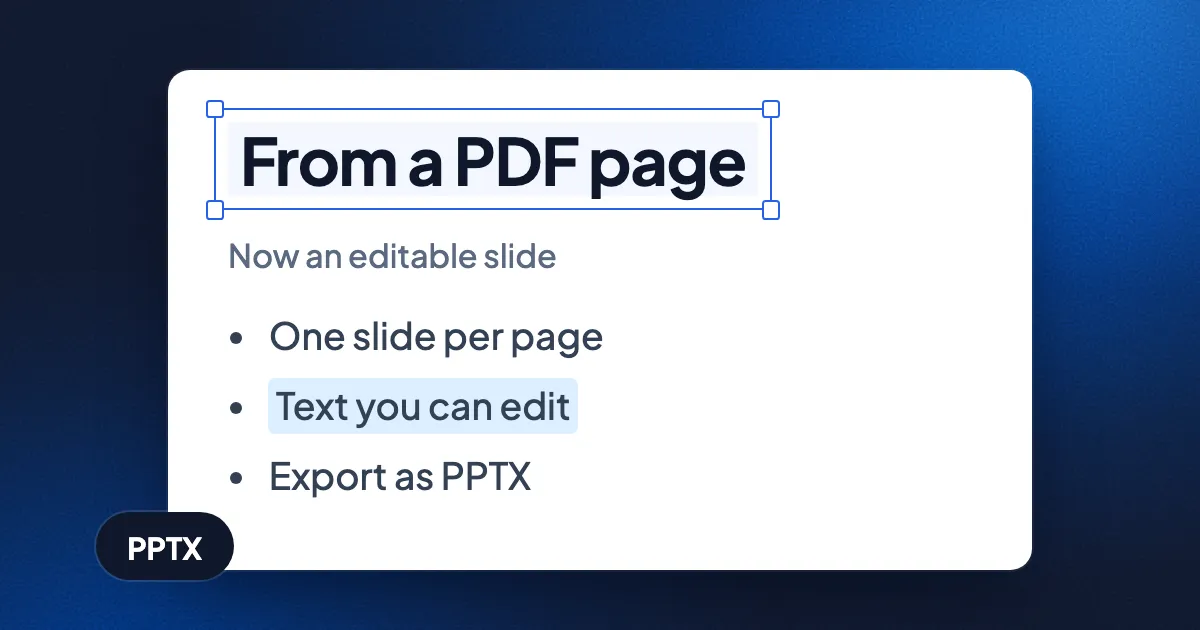
Short answer: open the PDF in the Eddocu app, choose Export, pick PPTX and click Export. Each page of the PDF becomes one slide, and the text on it comes through as text you can edit. In the apps that carry Eddocu's offline core, this happens on your device, with no upload. Without installing anything, the PDF to PowerPoint tool does the same conversion in the browser, signed in, on our server. Eddocu is free for personal use; see pricing for the details.
In the app, step by step
- Get the app for your device at eddocu.com/download and open the PDF in it.
- Open the menu at the top right (the three dots) and choose Export.
- Pick PPTX. Keep all pages, or choose the current page or a page range.
- Click Export and choose where to save the PowerPoint file.
The same export sheet writes Word (DOCX), PDF and HTML too. An app with the offline core exports on the device itself, so the file is not uploaded and no account is needed.
In the browser, with the tool
- Go to eddocu.com/tools/pdf-to-pptx and sign in with a free account.
- Choose a PDF or drop it on the page; up to 10 files at a time.
- Click Convert to PowerPoint, then download the PPTX.
The tool sends the file to our server, which converts it with the same engines the apps use and deletes its working copy as soon as the result is ready. Each conversion uses 0.1 credits from your plan's monthly allowance; the free account includes 100 a month. The tool is marked beta.
What comes through, and what to check
| In the PDF | In the PowerPoint file |
|---|---|
| Each page | One slide, in the same order |
| Text | Text you can edit, select and restyle |
| Simple layouts (titles, paragraphs, lists) | Usually where they were |
| Complex layouts (many columns, text over pictures) | Can shift; check these slides |
| A scanned page | Has no text to carry over: the words are part of a picture |
A PDF does not know which lines belong together as a bullet list or a title, so the converter rebuilds that from the page. Expect to tidy a few slides of a dense report. For a scan, make the text real first; our guide to scanning to PDF with text shows how.
Or edit the slides in Eddocu
The PPTX opens in PowerPoint, Keynote, Google Slides and Eddocu. Opening it in Eddocu keeps everything in one editor: change the text, rearrange slides and present, then export to PowerPoint or PDF again. How editing a deck looks on a phone is in edit PowerPoint on Android.
Questions
Is it free?
In the apps, yes: export is part of the free editor. The browser tool uses a small part of the free account's monthly credits. Plans are on eddocu.com/pricing.
Can I go the other way?
Yes: export a deck as PDF from the same sheet, or use PowerPoint to PDF. For Word, see PDF to Word and back.
Facts checked on 15 November 2026 against Eddocu's export sheet, the PDF to PowerPoint tool and its server route.
Related posts
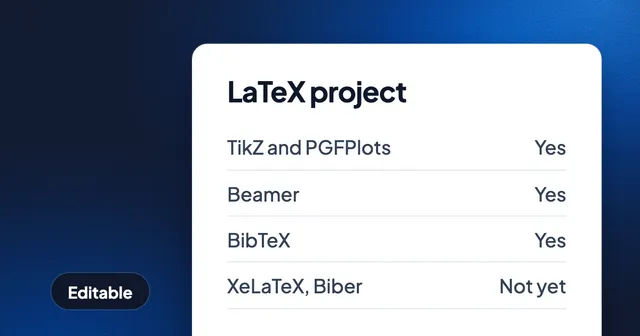
Open Your LaTeX or Overleaf Project as an Editable Document
Import an Overleaf .zip or a .tex file at eddocu.com/doc and get pages you can edit, with equations that stay LaTeX. What it typesets, what it does not handle yet, and why it runs on our server.
Guide 4 min read
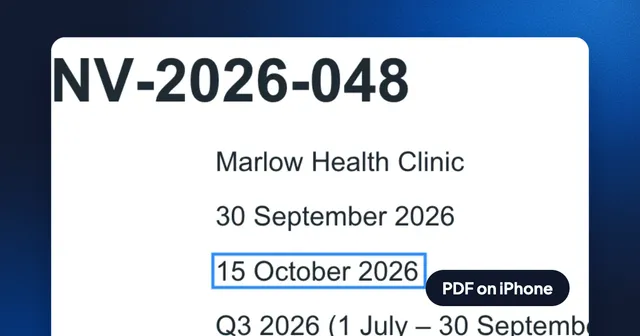
How to Edit the Text of a PDF on iPhone, Free and Without an Account
Open a PDF in Eddocu for iPhone, switch to Editing, change a line in the PDF's own font and export it as PDF from the share sheet. Recorded step by step, with what the exported file keeps.
Guide 3 min read
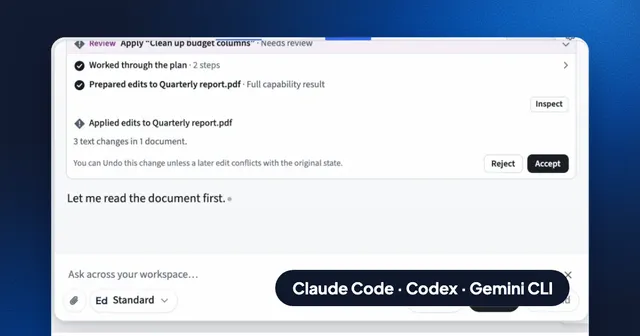
Use Claude Code, Codex or Gemini CLI on Your Documents, With Your Own MCP Servers and API
Run Eddocu's AI chat on the coding agent you already pay for, your own API key, your company's AI gateway or your own MCP servers, and edit PDF, Word and PowerPoint files with the layout kept.
Guide 5 min read