Turn Photos of Receipts Into a PDF With Text You Can Search and Edit
Pick receipt photos, choose Text boxes, and Eddocu reads every page on your device into real text, then exports a searchable PDF. Recorded step by step, with what it gets right and wrong.
Published Updated Reading time 3 min read
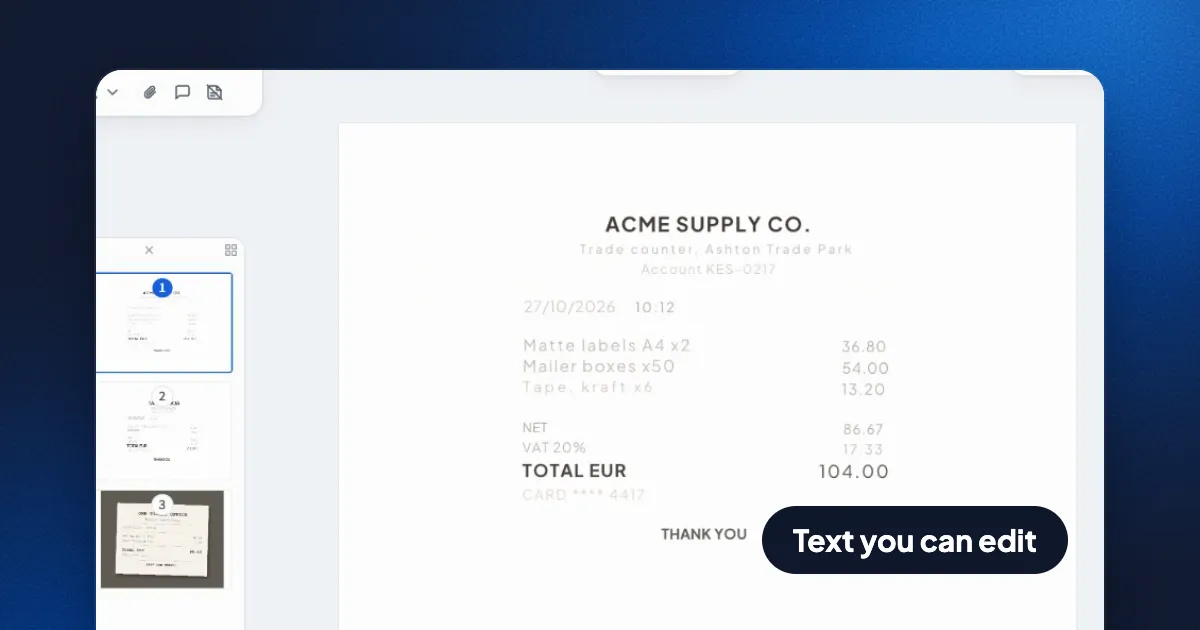
Short answer: open Tools, choose Scan to PDF and pick your photos. Put the pages in order, choose Text boxes and click Create. Eddocu reads each page on your device and turns it into real text you can select, search and edit, then Export saves it as a PDF. It is free; on the website you need to be signed in, and in the apps you don't.
Step by step
- Pick the photos. In Tools, choose Scan to PDF and select up to 20 pictures. In the iPhone and Android apps, Scan to PDF opens the camera instead, so you can photograph the pages there.
- Order the pages. Each photo becomes a page. Hold a page and drag it to move it, or use Add pages for more. Then click Next.
- Choose Text boxes. Give the document a name and pick how the pages should come out (below). For receipts, Text boxes is the free choice that gives you text. Click Create with text boxes.
- Let it read. The document opens with your photos right away, and a note counts through the pages ("Reading page 3 of 3") as each one turns into text. Three receipts took a few seconds.
- Check it, then export. Switch to Editing and click into any line to fix a word. Open the menu at the top right, choose Export, keep PDF and click Export.
Text boxes, Images or AI
| Choice | What you get | Cost |
|---|---|---|
| Images | Pages stay as pictures, exactly as photographed. No text to search. | Free |
| Text boxes | Each line becomes editable text in its place, read on your device. You can go back to the pictures. | Free |
| Medium (AI) | AI rebuilds headings, lists, tables and maths. About a minute. | Credits per page |
| High quality (AI) | An AI rebuild checked against your photos. About three minutes. | Credits per page |
After a Text boxes scan, a bar at the bottom says "Text boxes from your scan" with Revert to images. The original photos stay in the document, hidden, so going back to them loses nothing.
How good is the text?
We checked the PDF the recording saved, with a text extractor, line by line against the receipts. Every amount, date and item name was right: 36.80, 54.00 and 13.20, VAT 20% at 17.33, TOTAL EUR 104.00, the card ending 4417. Each line sits where it was on the receipt. The PDF is 3 pages and 12 KB, because it holds text rather than photos.
What it didn't get right:
- Some large bold words ran together: "TAXIS LISBOA" came out as TAXISLISBOA and "THANK YOU" as THANKYOU on two of the three receipts. A click and a space fixes each one.
- The receipts' typewriter font became a regular one, and faint grey print stays faint.
- The dashed divider lines are left out; only the text is kept.
If the layout matters more than the words, a table, a form or a page of maths, the Medium or High quality AI choices rebuild the structure instead of reading line by line.
Where it works
| Starts with | Account | |
|---|---|---|
| Eddocu for iPhone and Android | The camera | Not needed; scans are saved on the phone |
| Eddocu for Mac (from eddocu.com), Windows and Linux | Picking image files | Not needed; scans are saved on the computer |
| Eddocu on the website | Picking image files | Needed to create the document |
FAQ
Is scanning to PDF with text free?
Yes. Images and Text boxes are free. Only the two AI choices use credits.
Are my receipt photos sent to a server to be read?
Not with Text boxes: the text is read on your device. On the website the finished document is then saved to your Eddocu account; in the apps it stays on your phone or computer. The AI choices do send the pages to the AI model.
Can I search the PDF afterwards?
Yes. The exported PDF contains the text itself, so any PDF reader can search it and copy from it.
Facts checked on 14 November 2026 on Eddocu's website with a test account and three made-up receipt photos; the exported PDF was read with a text extractor.
Related posts
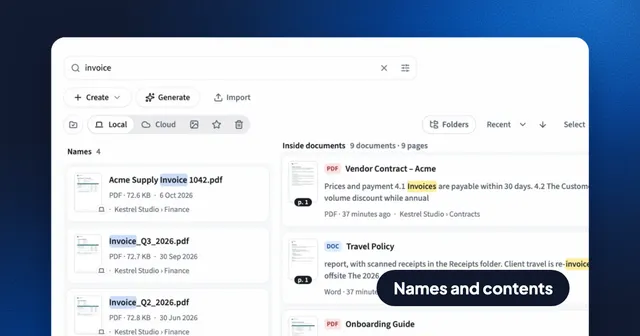
Search Inside Every PDF, Word and PowerPoint File: Eddocu vs Spotlight and Windows Search
Find a document by its name or by any words inside it, and land on the right page. How Eddocu searches 133,245 pages in under 7 ms, and how that compares with Spotlight and Windows Search.
Guide 4 min read
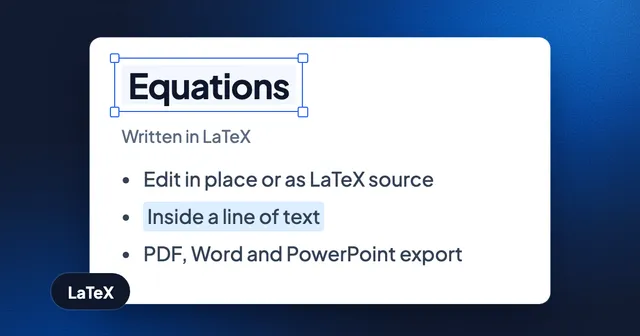
Write Equations in LaTeX, Keep Them Editable in Documents and Slides
Insert math in a document or slide, edit it in place or as LaTeX source, and export it as vectors in PDF and as native equations in Word and PowerPoint. With the current limits.
Guide 2 min read
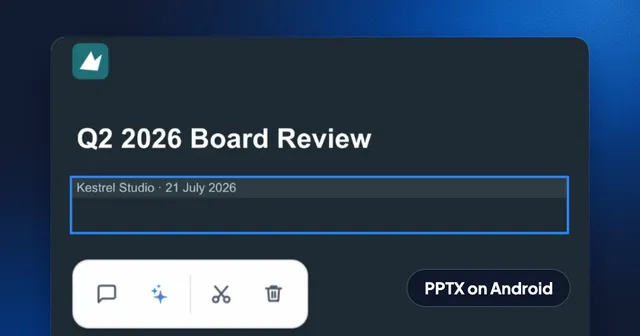
How to Edit a PowerPoint on Android Without an Account, Then Save It as PPTX
Open a .pptx on your Android phone, switch to Editing, change the text on a slide and export it as PowerPoint again. Recorded step by step, offline, with no sign-in.
Guide 3 min read