How to Merge PDF Files Without Uploading Them, Then Put Every Page in Order
Join up to 100 PDFs in your browser with nothing uploaded, no account and no watermark, then drag single pages into place. Recorded step by step, with Preview and merge websites compared.
Published Updated Reading time 3 min read
On this page
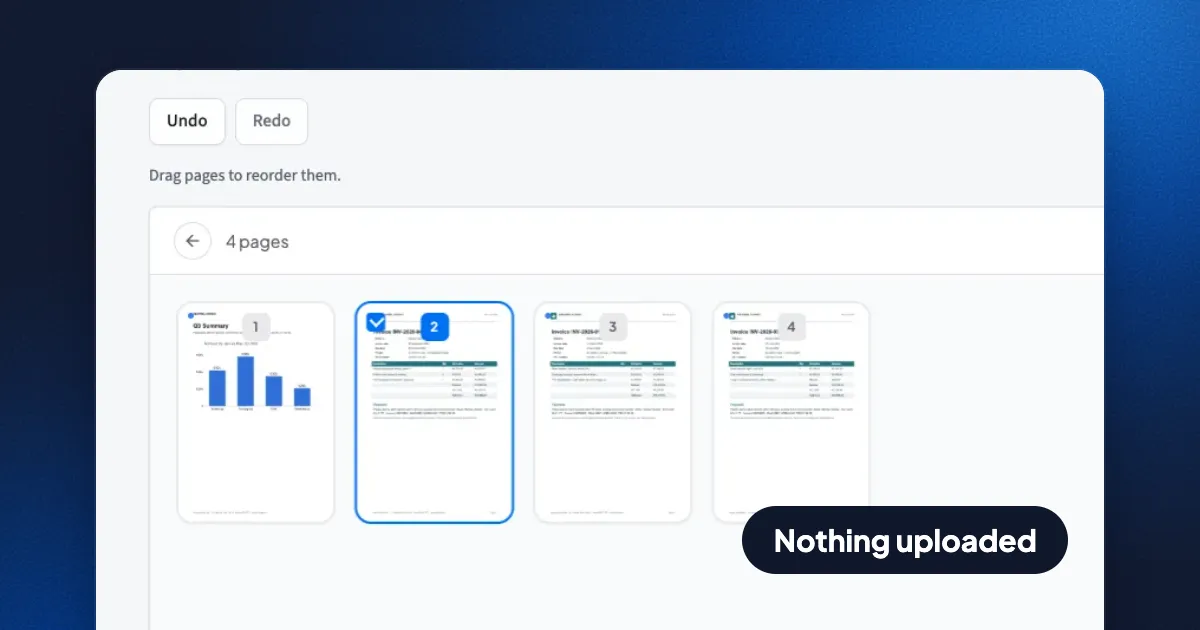
Short answer: open Eddocu's Merge PDF, add your files, drag them into order and click Merge. Everything happens in your browser, on your own device, so the files are never uploaded. It is free, needs no account, takes up to 100 files at once and copies the pages as they are, so text stays sharp and searchable. If one page is still in the wrong place, Reorder pages is the next step on the same screen.
How to merge PDF files, step by step
- Add the files. Open eddocu.com/tools/merge-pdf and choose your PDFs, or drop them on the page. Each one is listed with its page count and size. A file that isn't a readable PDF is skipped and named, so nothing goes missing silently.
- Put them in order. Drag a file by its handle to move it, or remove one you added by mistake. The merged PDF follows this list from top to bottom.
- Merge. The button says how many files it will join ("Merge 4 PDFs"). The result shows the file count, the page count and the size.
- Fix single pages if you need to. The path bar above the tool offers Reorder pages, Delete pages and Extract pages as the next step, already loaded with the merged file. In Reorder pages, drag a page thumbnail to its new place; Undo and Redo are there if you change your mind.
- Save it. Download puts the PDF in your downloads folder. Signed in, you can also upload it to your Eddocu library; in the apps, Save to device opens the system's share options.
What happens to your files
The page you open on eddocu.com contains the whole merge tool. Your PDFs are read by your browser, joined in a background worker on your device and handed back as a download. They are not sent to Eddocu or anyone else, and the tool works without an account. Most merge websites work the other way round: they upload your files, merge them on their servers and send the result back.
Merging copies each page as it is. Pages are not turned into images or compressed again, so the text stays selectable and searchable and the file is about the size of its parts added up: in the recording, four files of 267.7 KB together became a 256 KB PDF.
Other ways to merge PDFs
| Eddocu Merge PDF | Preview (Mac) | Windows | Typical merge website | |
|---|---|---|---|---|
| Files stay on your device | Yes | Yes | No merge tool built in | No, uploaded to the site |
| Account needed | No | No | - | Often for more files or larger ones |
| Reorder single pages after merging | Yes, next step | Yes, in the sidebar | - | Varies |
| Works on | Any browser, plus the Eddocu apps for Mac, Windows, Linux, iPhone, iPad and Android | Mac | - | Any browser |
Preview is a good choice if you only use a Mac: open the first PDF, show the thumbnails and drag the other PDFs into the sidebar. Windows has no built-in tool that joins PDF files, which is why so many people end up on a merge website.
Limits, today
- Up to 100 files in one merge. For more, merge them in batches and then merge the results.
- Very large files are limited by your device's memory, because the work happens there.
- The browser tool merges PDFs only. To join Word or PowerPoint files, convert them to PDF first.
FAQ
How do I merge PDFs without uploading them?
Use a tool that runs on your device: Eddocu's Merge PDF in your browser, the Eddocu apps, or Preview on a Mac. Eddocu's tool reads and joins the files inside your browser and never sends them anywhere.
Can I change the order of pages, not just files?
Yes. After merging, pick Reorder pages in the path bar and drag the page thumbnails. Delete pages and Extract pages are there too.
Can I merge PDFs on my phone?
Yes. The Merge PDF page works in mobile browsers, and the Eddocu apps for iPhone, iPad and Android have the same tool, which works offline too.
Is there a watermark?
No. The merged PDF has no watermark, and the tool is free.
Facts checked on 14 November 2026 against Eddocu's Merge PDF and Reorder pages tools.
Related posts
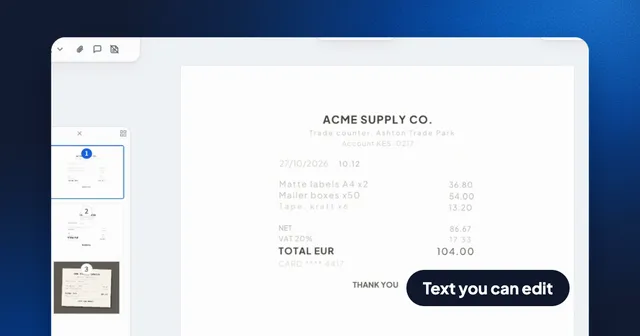
Turn Photos of Receipts Into a PDF With Text You Can Search and Edit
Pick receipt photos, choose Text boxes, and Eddocu reads every page on your device into real text, then exports a searchable PDF. Recorded step by step, with what it gets right and wrong.
Guide 3 min read
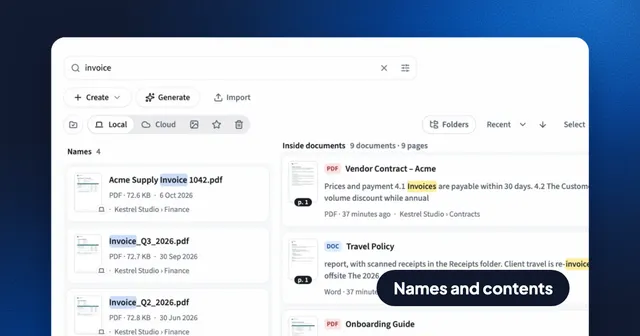
Search Inside Every PDF, Word and PowerPoint File: Eddocu vs Spotlight and Windows Search
Find a document by its name or by any words inside it, and land on the right page. How Eddocu searches 133,245 pages in under 7 ms, and how that compares with Spotlight and Windows Search.
Guide 4 min read
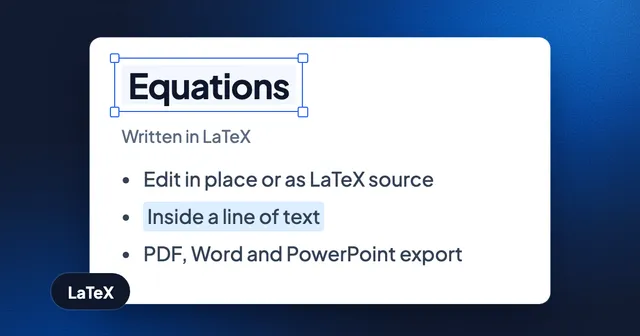
Write Equations in LaTeX, Keep Them Editable in Documents and Slides
Insert math in a document or slide, edit it in place or as LaTeX source, and export it as vectors in PDF and as native equations in Word and PowerPoint. With the current limits.
Guide 2 min read